 1 / 11
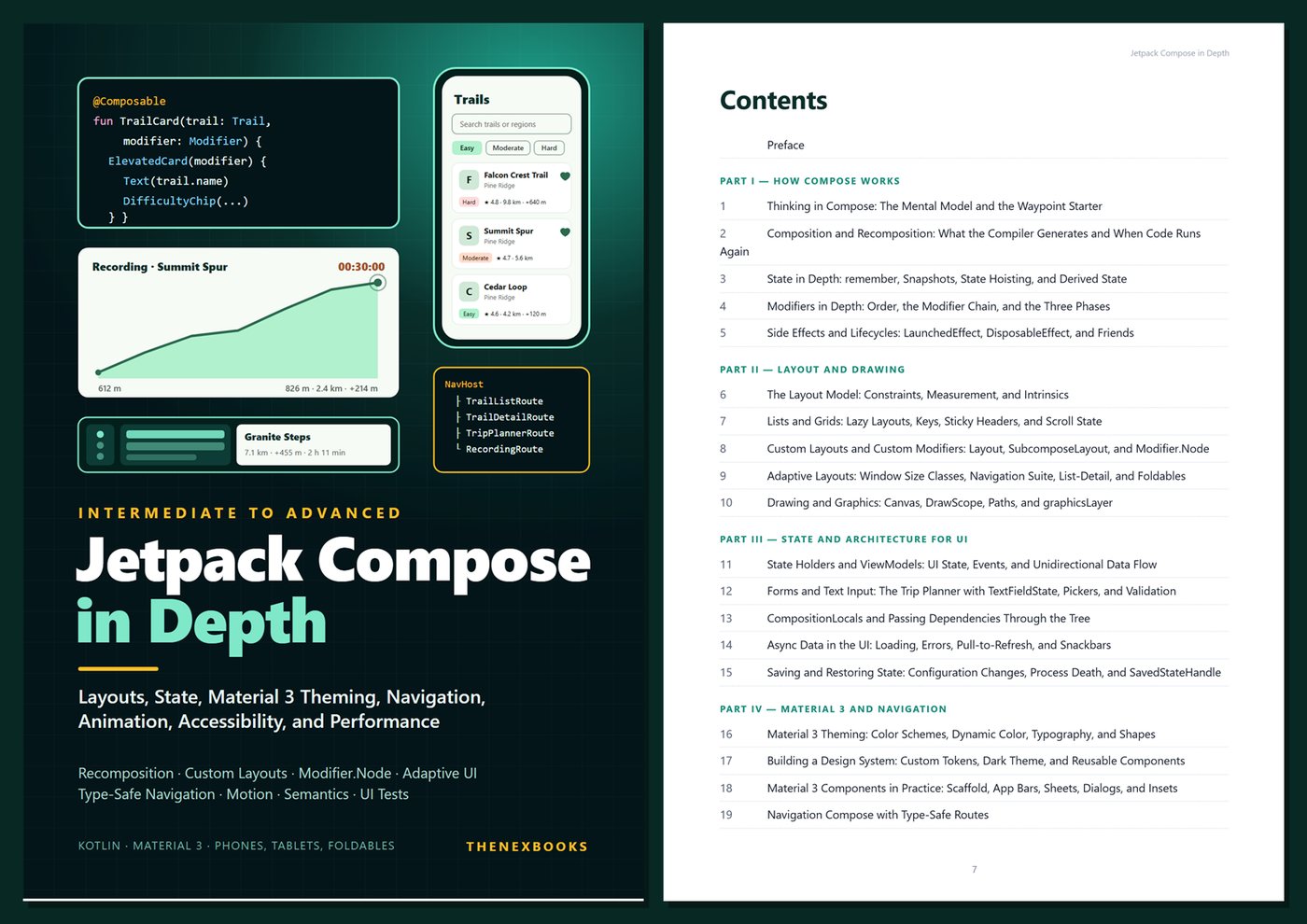
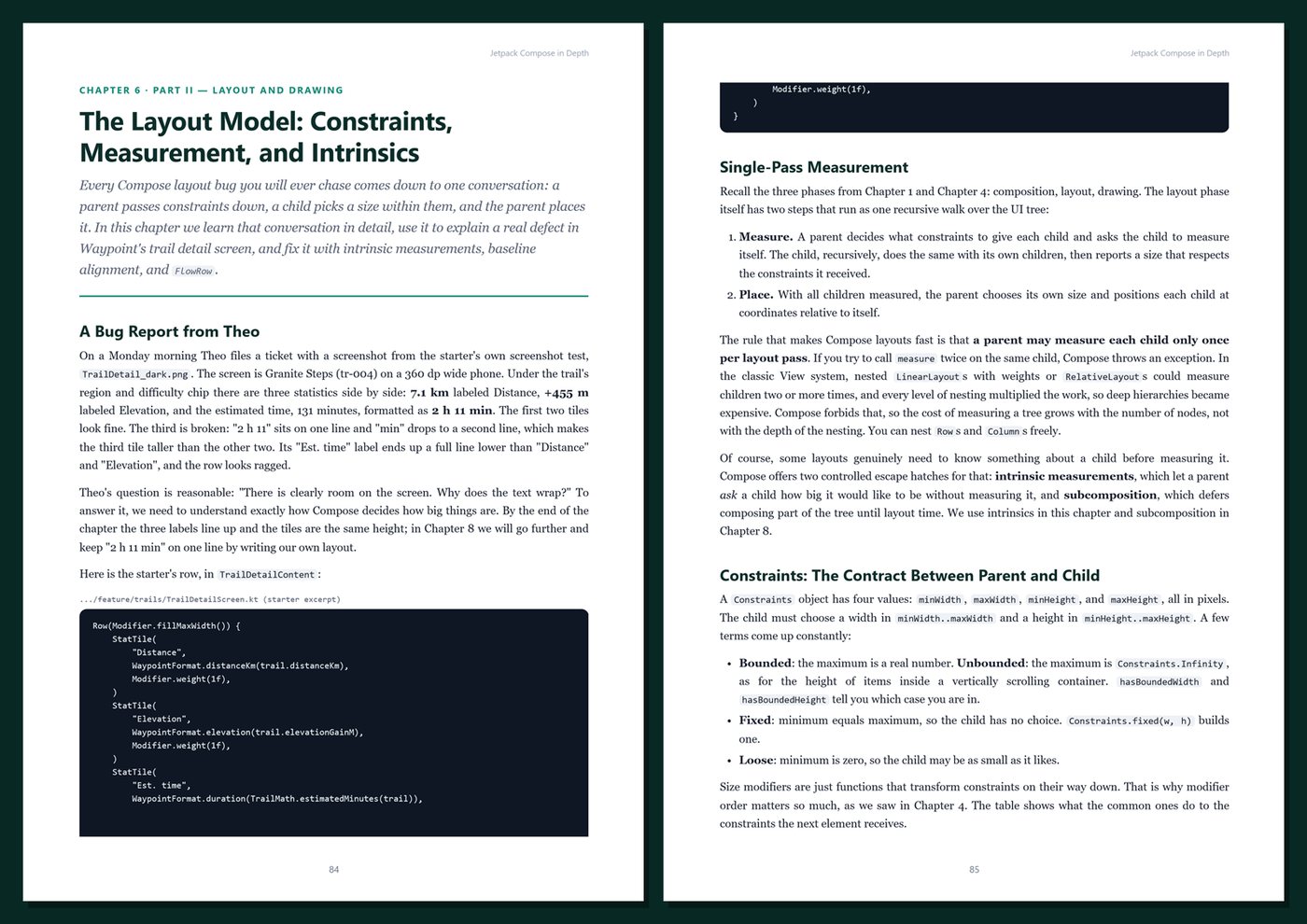
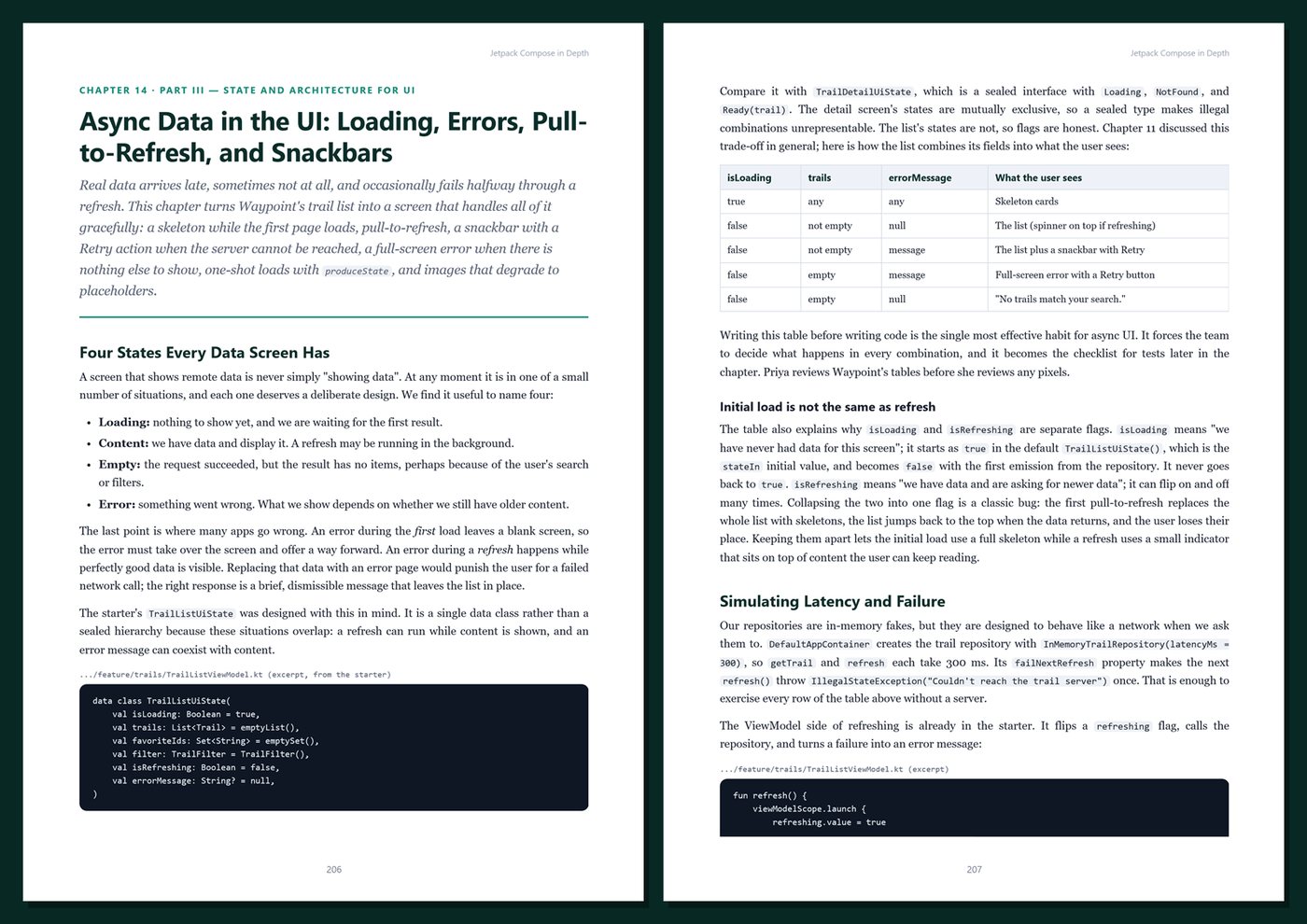
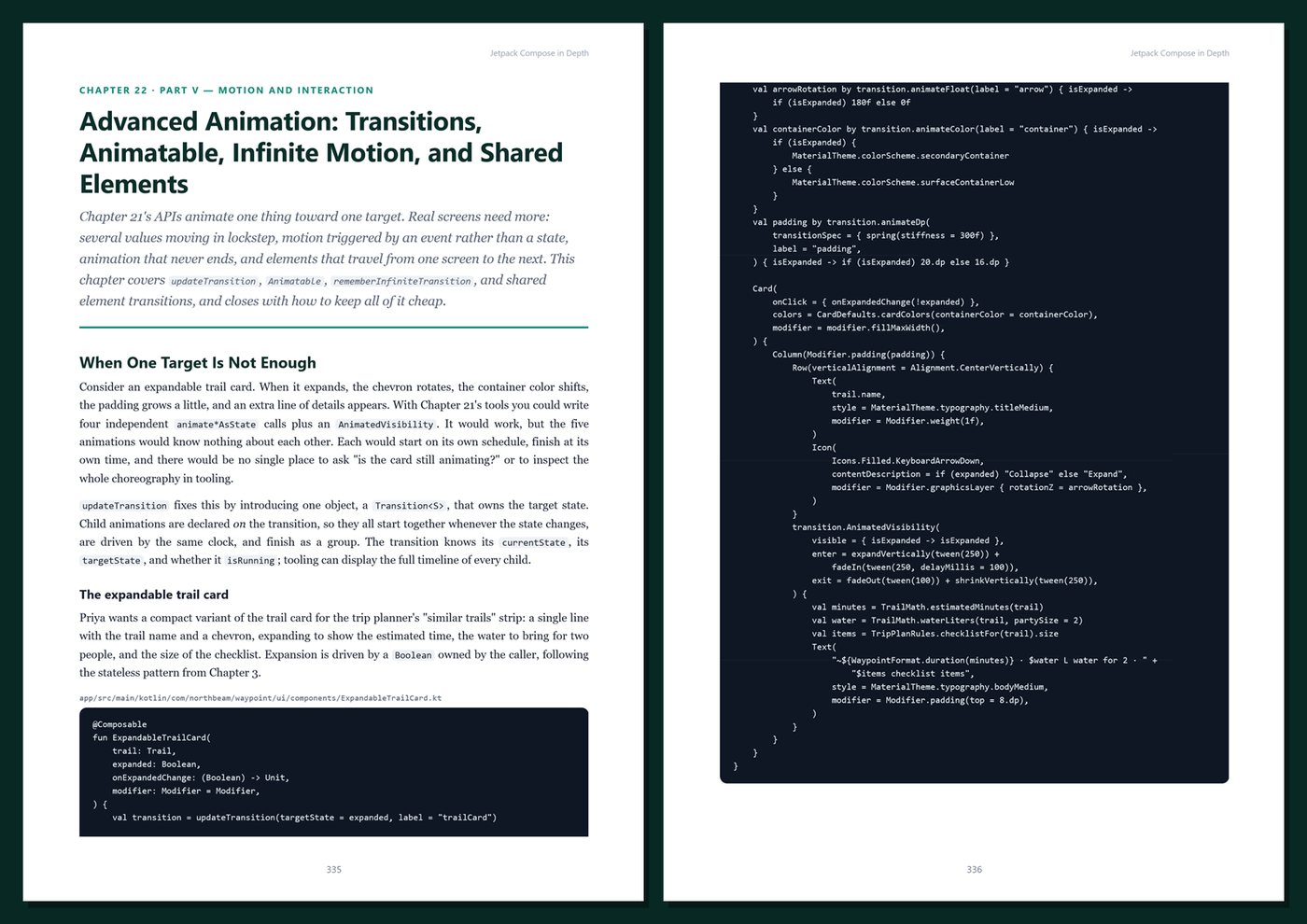
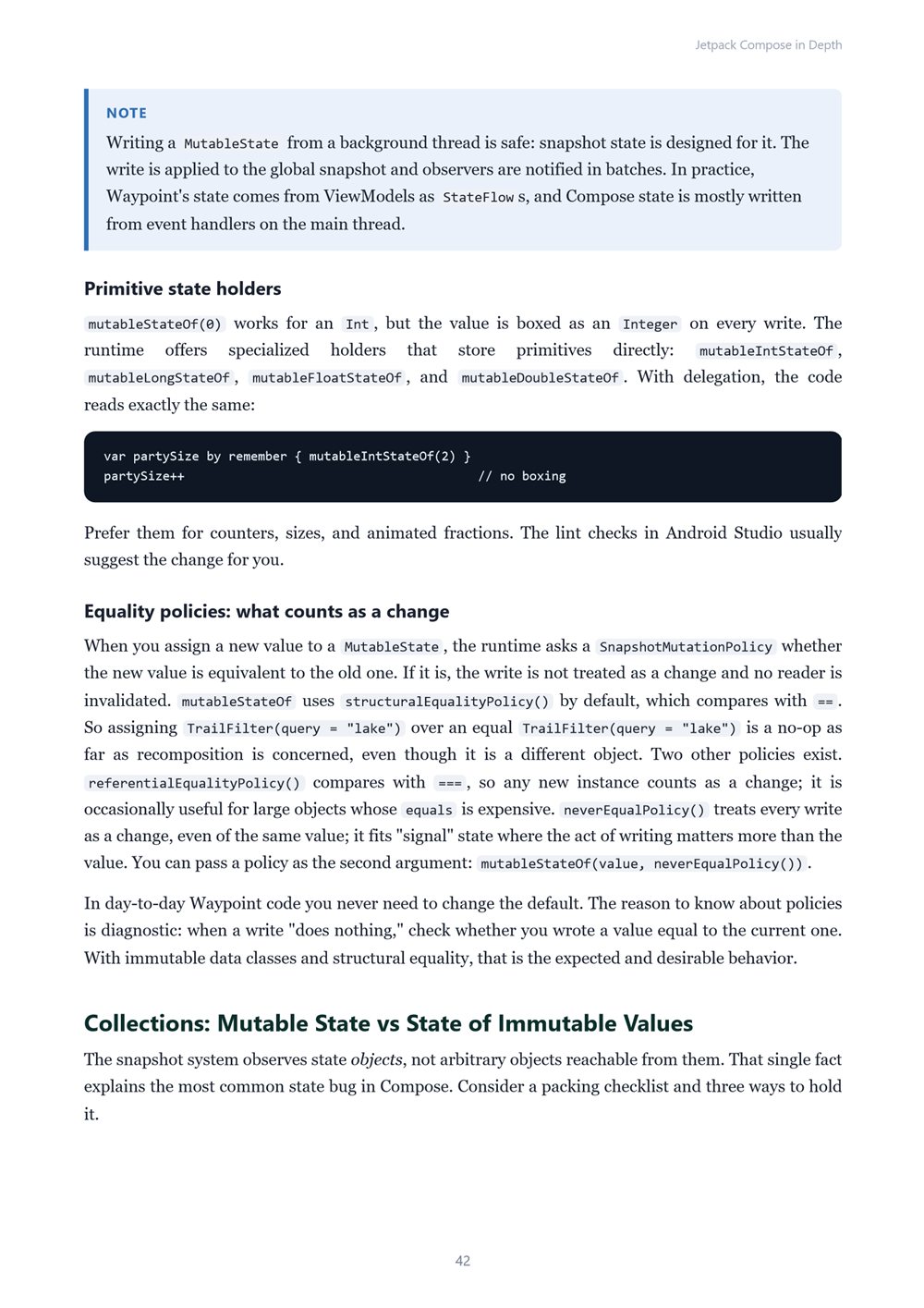
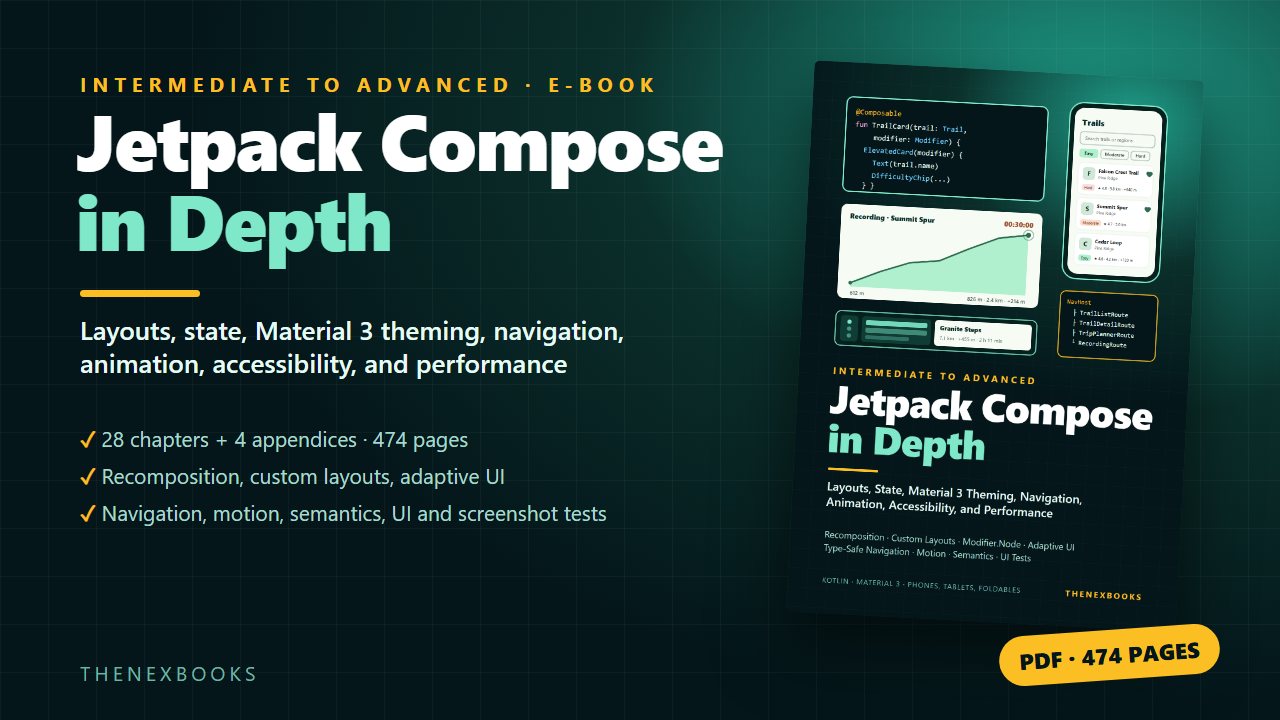
Go beyond the basics of Jetpack Compose and learn how it really works: composition and recomposition, the snapshot state system, modifiers and the three phases, side effects, constraints and intrinsics, lazy lists, custom layouts and Modifier.Node, adaptive layouts for phones, tablets, and…
Layouts, State, Material 3 Theming, Navigation, Animation, Accessibility, and Performance for Real Android Apps
Read before you buy: the PDF here is a free sample — the first 20 pages of the 474-page book (payments, sales and reviews on this demo site are sample data). Get the full e-book at thenexbooks on Gumroad.
You can already build a Compose screen. This book shows you why it behaves the way it does — and how to build Android apps that feel finished.
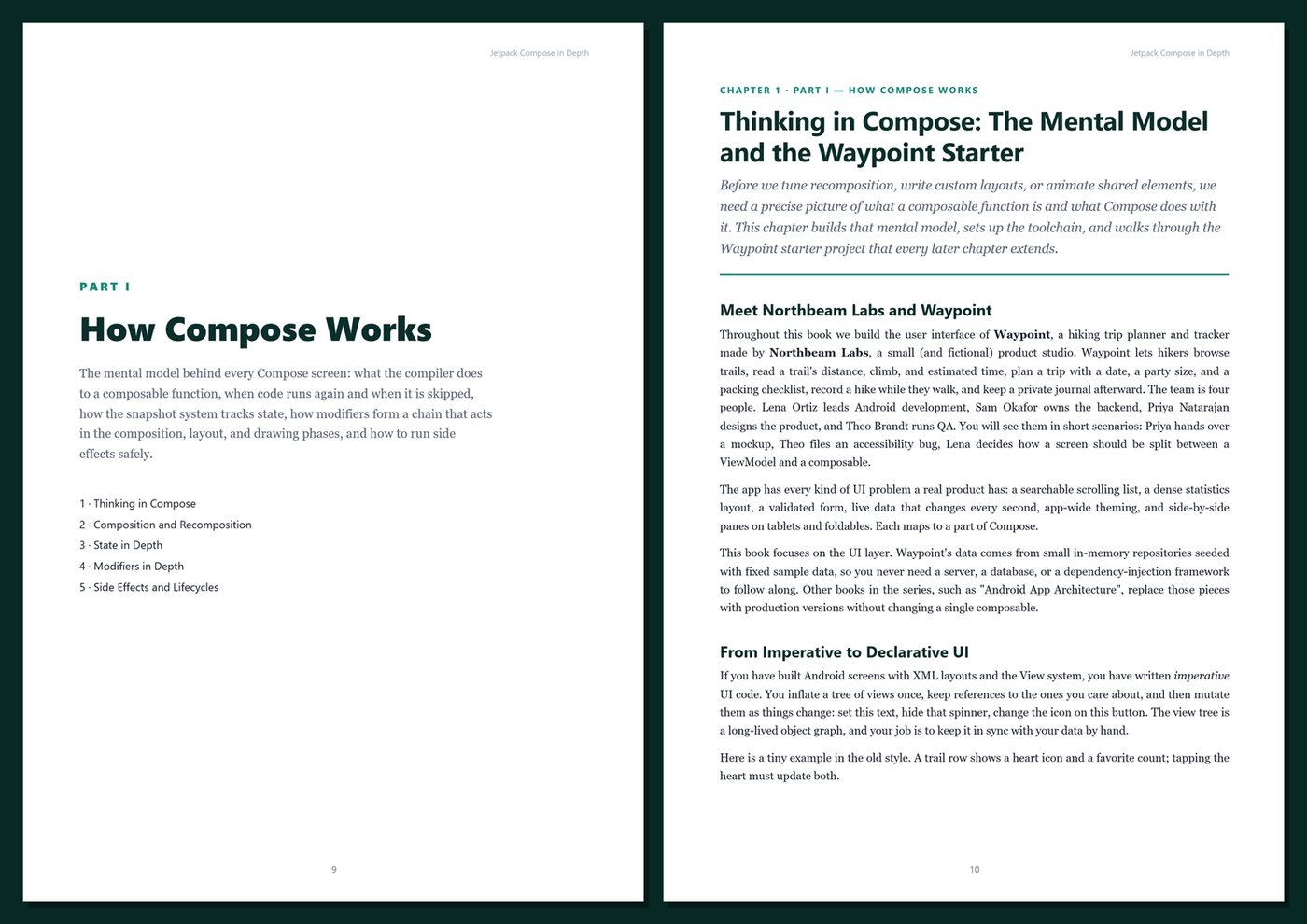
A text field drops characters while you type. One changed item recomposes the whole list. An effect runs twice, or never stops. A layout that looks fine on a phone wastes half a tablet. The theme works in light mode and is unreadable in dark mode. An animation stutters and a screen reader announces nonsense. These problems all come from the same place: Compose is easy to write and harder to reason about.
Jetpack Compose in Depth explains the rules underneath — composition, recomposition and skipping, snapshots, constraints, the modifier chain, and the layout and draw phases — so you can predict what Compose will do instead of guessing. Then it puts those rules to work building custom layouts, modifiers, themes, navigation, animations, and gestures for a real app, and finishes with the production work most tutorials skip: accessibility semantics, measurable performance, previews, UI and screenshot tests, and interoperability with existing Views.
What's inside
- The Compose mental model: what the compiler plugin generates, recomposition scopes, skipping and strong skipping, keys, and positional memoization
- State in depth: remember and rememberSaveable, the snapshot system, derived state, state hoisting, and side effects with LaunchedEffect, DisposableEffect, produceState, and snapshotFlow
- Modifiers in depth: why order matters, the modifier chain, deferred reads, and custom modifiers built on Modifier.Node
- Layout: constraints, intrinsics, lazy lists and grids with keys and sticky headers, custom Layout and SubcomposeLayout, and Canvas drawing for an elevation profile chart
- Adaptive UI: window size classes, a navigation suite that switches between bar and rail, list-detail panes for tablets, and foldable considerations
- Architecture for UI: ViewModels with StateFlow and unidirectional data flow, the Screen/Content split, CompositionLocals, loading and error states, pull-to-refresh, snackbars, and saving state across configuration changes and process death
- A complete trip planner form with TextFieldState, a date picker, a custom stepper, checklists, and validation
- Material 3 theming with brand colors and opt-in dynamic color, typography and shapes, a small design system with custom tokens, and everyday components with edge-to-edge insets
- Navigation Compose with type-safe @Serializable routes, nested graphs, top-level destinations with saved back stacks, deep links, and results
- Animation: animate*AsState, AnimatedVisibility, AnimatedContent, transitions, Animatable, infinite animations, and shared element transitions
- Gestures: clickable and toggleable semantics, drag, swipe to dismiss with undo, pinch to zoom, and custom pointerInput
- Accessibility: the semantics tree, merging, custom actions, headings, live regions, touch targets, font scaling, and a real color-contrast fix
- Performance: stability, strong skipping, compiler reports, stability configuration, derivedStateOf, and how to measure instead of guess
- Previews and testing: multipreview annotations, preview parameters, Compose UI tests on the JVM with Robolectric, and screenshot tests with Roborazzi
- Interop and migration: AndroidView, ComposeView, and a screen-by-screen plan for moving an existing app to Compose
One running example, start to finish. You build the user interface of Waypoint, a fictional hiking trip planner and tracker from a small product studio called Northbeam Labs: a searchable trail list and trail details, a trip planner, a live recording screen with an elevation profile, a private journal, and settings — adapting from phones to tablets and foldables. You start from a small starter project with fixed sample data, so every number in the book can be checked by hand.
Current and honest. The code uses Kotlin 2.4, the Compose BOM 2026.09 with Material 3 1.4, Navigation Compose with type-safe routes, and a minimum SDK of 26, as current at the time of writing. The examples were compiled and their UI tests run on the JVM with Robolectric; behavior that needs a device is clearly described as such. The book contains no invented benchmarks or statistics — the performance chapter teaches you how to measure, not what to believe. Every chapter includes complete Kotlin listings, Tips, Notes, Warnings, Try It Yourself exercises, and Key Takeaways, and the appendices give you a cheat sheet, copy-ready templates, a production checklist, and a glossary. This is not a beginner book: it assumes you know Kotlin and have built a small Compose screen.
Format: PDF, 474 pages (A4), linked table of contents and bookmarks. English. First Edition, 2026. Published by thenexbooks. Includes the Waypoint starter project (Gradle, Kotlin) used throughout the book. Requires JDK 21 and the Android SDK (Android Studio recommended) to build the code. Requires Android Studio and the Android SDK to run the examples. Android, Jetpack Compose, and Android Studio are trademarks of Google LLC; Kotlin is a trademark of the Kotlin Foundation. This book is independent and is not affiliated with, sponsored by, or endorsed by Google LLC, JetBrains, or the Kotlin Foundation.
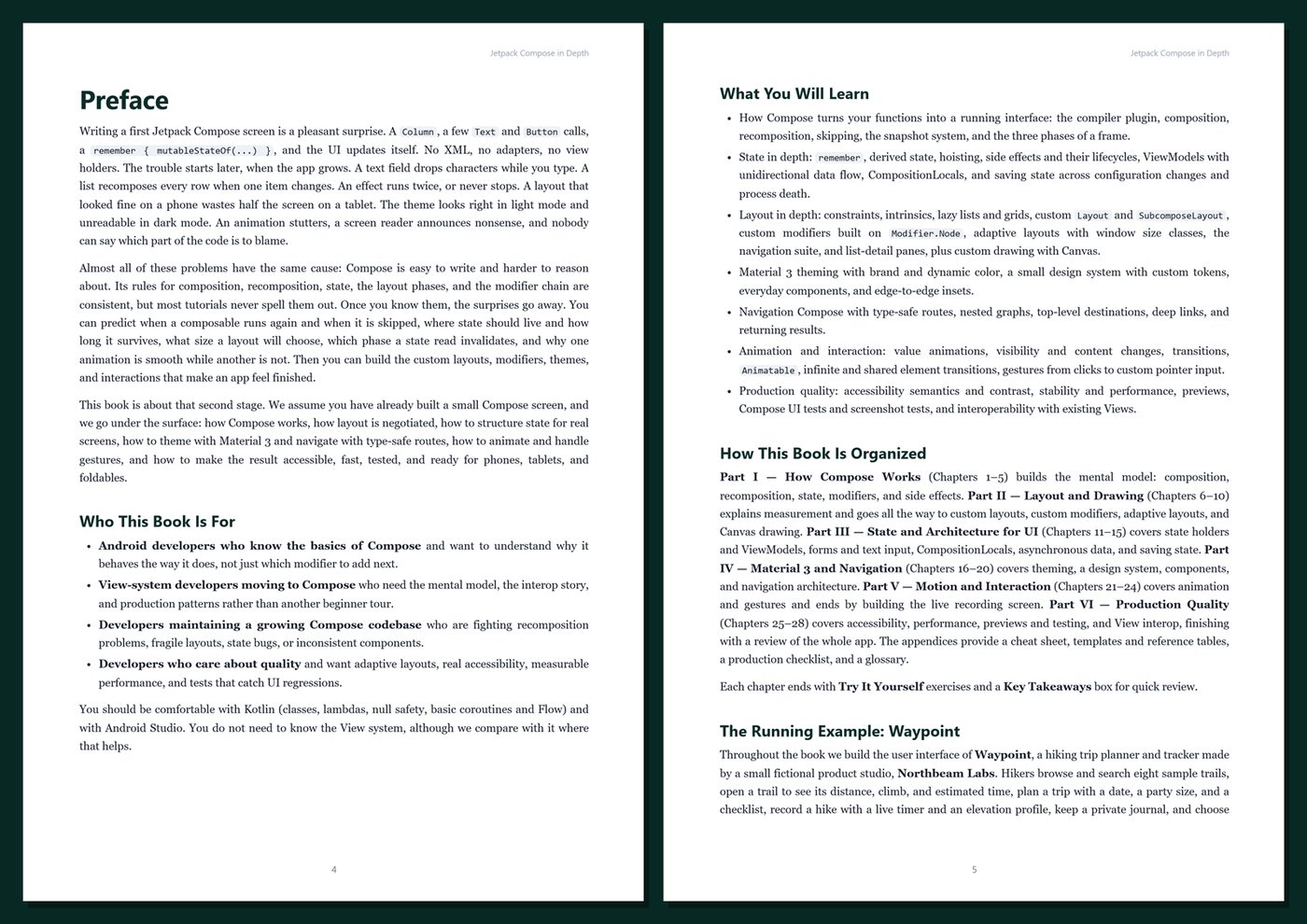
Table of Contents
Part I — How Compose Works
- Ch 1 · Thinking in Compose: The Mental Model and the Waypoint Starter
- Ch 2 · Composition and Recomposition: What the Compiler Generates and When Code Runs Again
- Ch 3 · State in Depth: remember, Snapshots, State Hoisting, and Derived State
- Ch 4 · Modifiers in Depth: Order, the Modifier Chain, and the Three Phases
- Ch 5 · Side Effects and Lifecycles: LaunchedEffect, DisposableEffect, and Friends
Part II — Layout and Drawing
- Ch 6 · The Layout Model: Constraints, Measurement, and Intrinsics
- Ch 7 · Lists and Grids: Lazy Layouts, Keys, Sticky Headers, and Scroll State
- Ch 8 · Custom Layouts and Custom Modifiers: Layout, SubcomposeLayout, and Modifier.Node
- Ch 9 · Adaptive Layouts: Window Size Classes, Navigation Suite, List-Detail, and Foldables
- Ch 10 · Drawing and Graphics: Canvas, DrawScope, Paths, and graphicsLayer
Part III — State and Architecture for UI
- Ch 11 · State Holders and ViewModels: UI State, Events, and Unidirectional Data Flow
- Ch 12 · Forms and Text Input: The Trip Planner with TextFieldState, Pickers, and Validation
- Ch 13 · CompositionLocals and Passing Dependencies Through the Tree
- Ch 14 · Async Data in the UI: Loading, Errors, Pull-to-Refresh, and Snackbars
- Ch 15 · Saving and Restoring State: Configuration Changes, Process Death, and SavedStateHandle
Part IV — Material 3 and Navigation
- Ch 16 · Material 3 Theming: Color Schemes, Dynamic Color, Typography, and Shapes
- Ch 17 · Building a Design System: Custom Tokens, Dark Theme, and Reusable Components
- Ch 18 · Material 3 Components in Practice: Scaffold, App Bars, Sheets, Dialogs, and Insets
- Ch 19 · Navigation Compose with Type-Safe Routes
- Ch 20 · Navigation Architecture: Nested Graphs, Top-Level Destinations, Deep Links, and Results
Part V — Motion and Interaction
- Ch 21 · Animation Fundamentals: animate*AsState, AnimatedVisibility, and AnimatedContent
- Ch 22 · Advanced Animation: Transitions, Animatable, Infinite Motion, and Shared Elements
- Ch 23 · Gestures and Touch: Clicks, Drags, Swipe-to-Dismiss, and pointerInput
- Ch 24 · Building the Recording Screen: Live Data, Timers, and Meaningful Motion
Part VI — Production Quality
- Ch 25 · Accessibility in Depth: Semantics, TalkBack, Touch Targets, and Contrast
- Ch 26 · Performance: Stability, Strong Skipping, Deferred Reads, and Measuring
- Ch 27 · Previews and Testing: Multipreview, Compose UI Tests, and Screenshot Tests
- Ch 28 · Views Interop and Shipping Waypoint: AndroidView, ComposeView, Migration, and a Final Review
Appendices
A · Jetpack Compose Cheat Sheet
B · Templates and Reference
C · Production Checklist
D · Glossary
Book details
| Detail | |
|---|---|
| Pages | 474 |
| Format | PDF (A4) + Waypoint starter project (Gradle) |
| Language | English |
| Level | Intermediate to Advanced |
| Edition | 1st Edition (2026) |
| Download on this site | Free sample, first 20 pages (PDF) |
| Publisher | thenexbooks |
Files you get
No reviews yet. Only buyers can review.
More from thenexbooks