 1 / 11
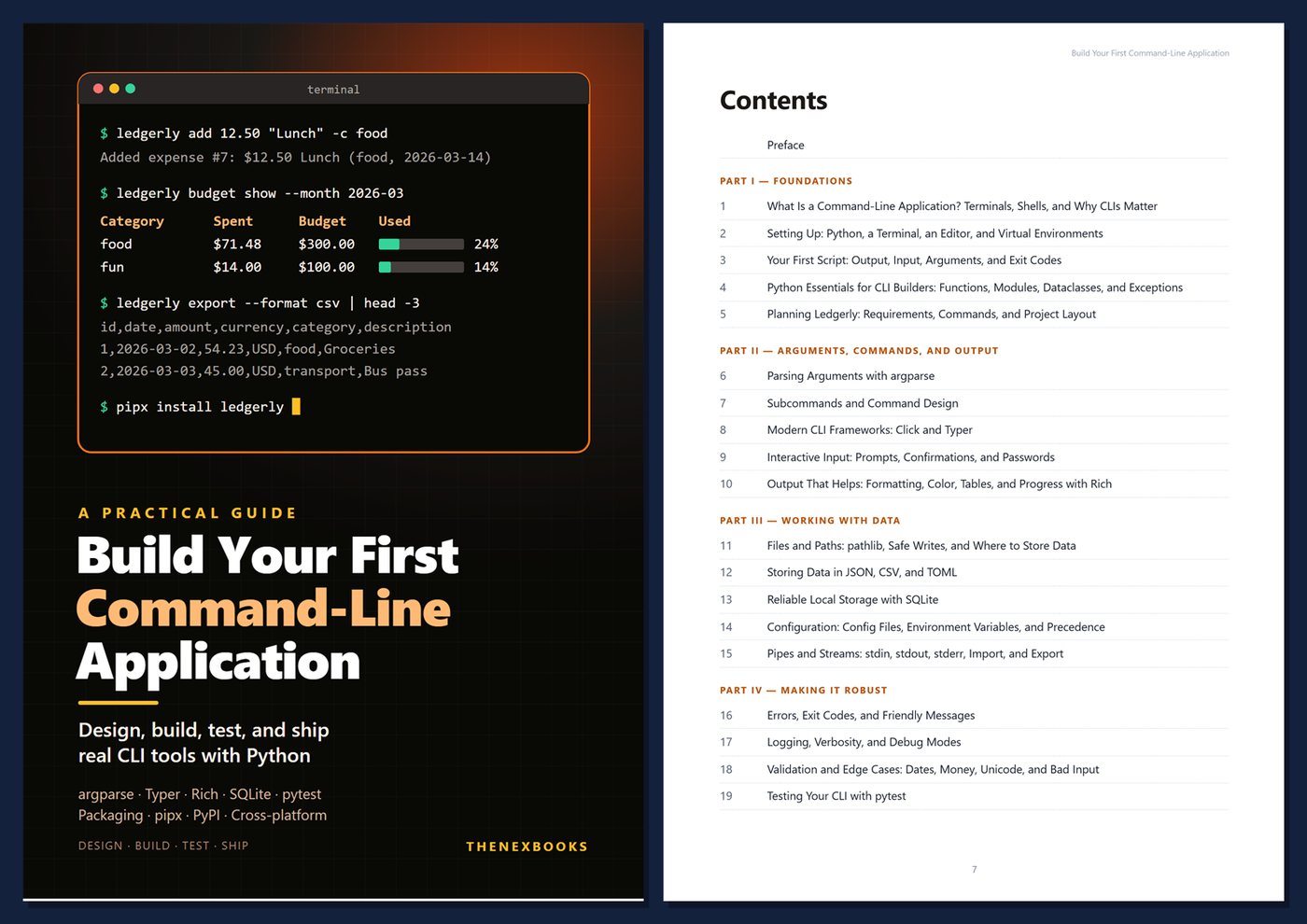
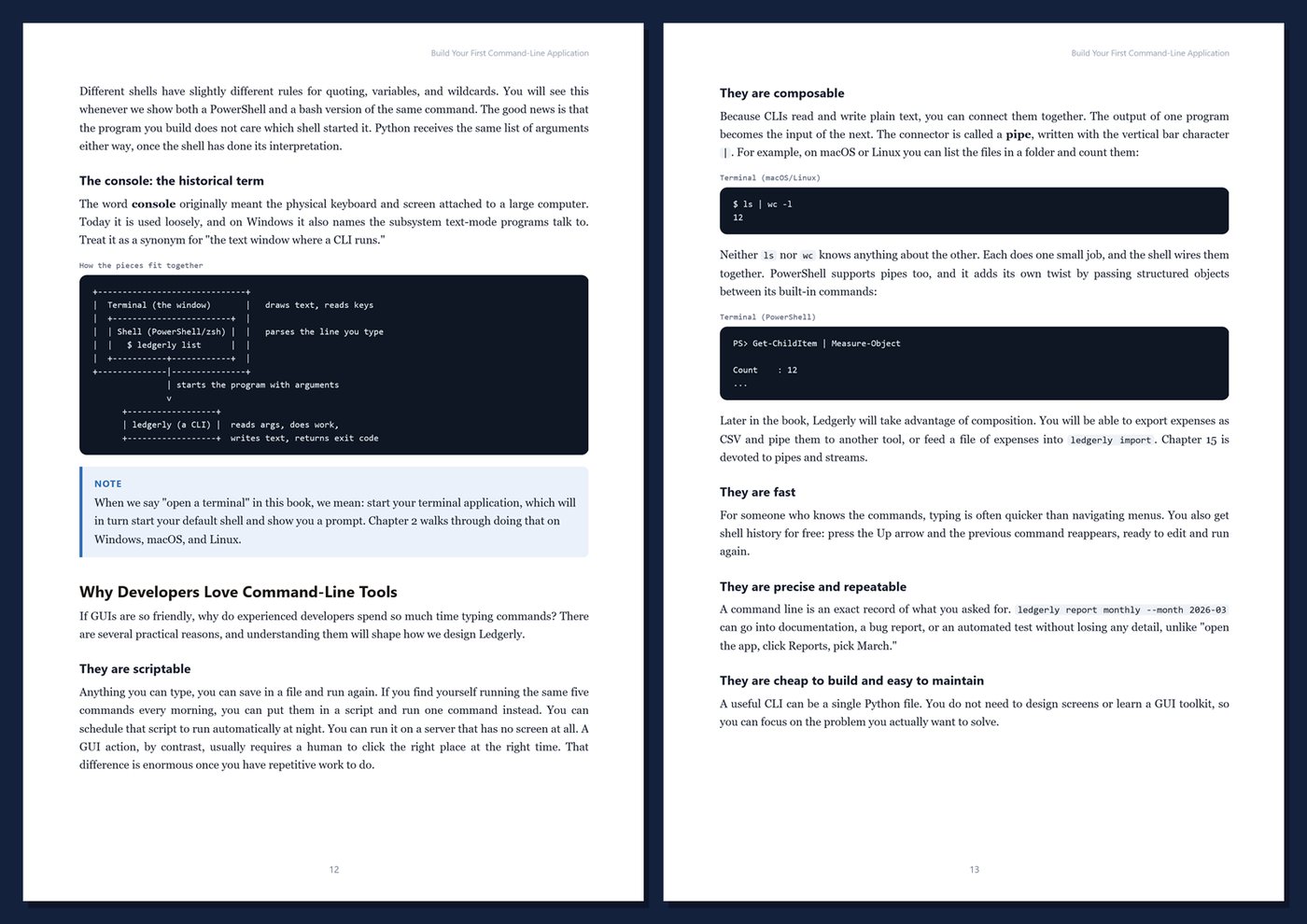
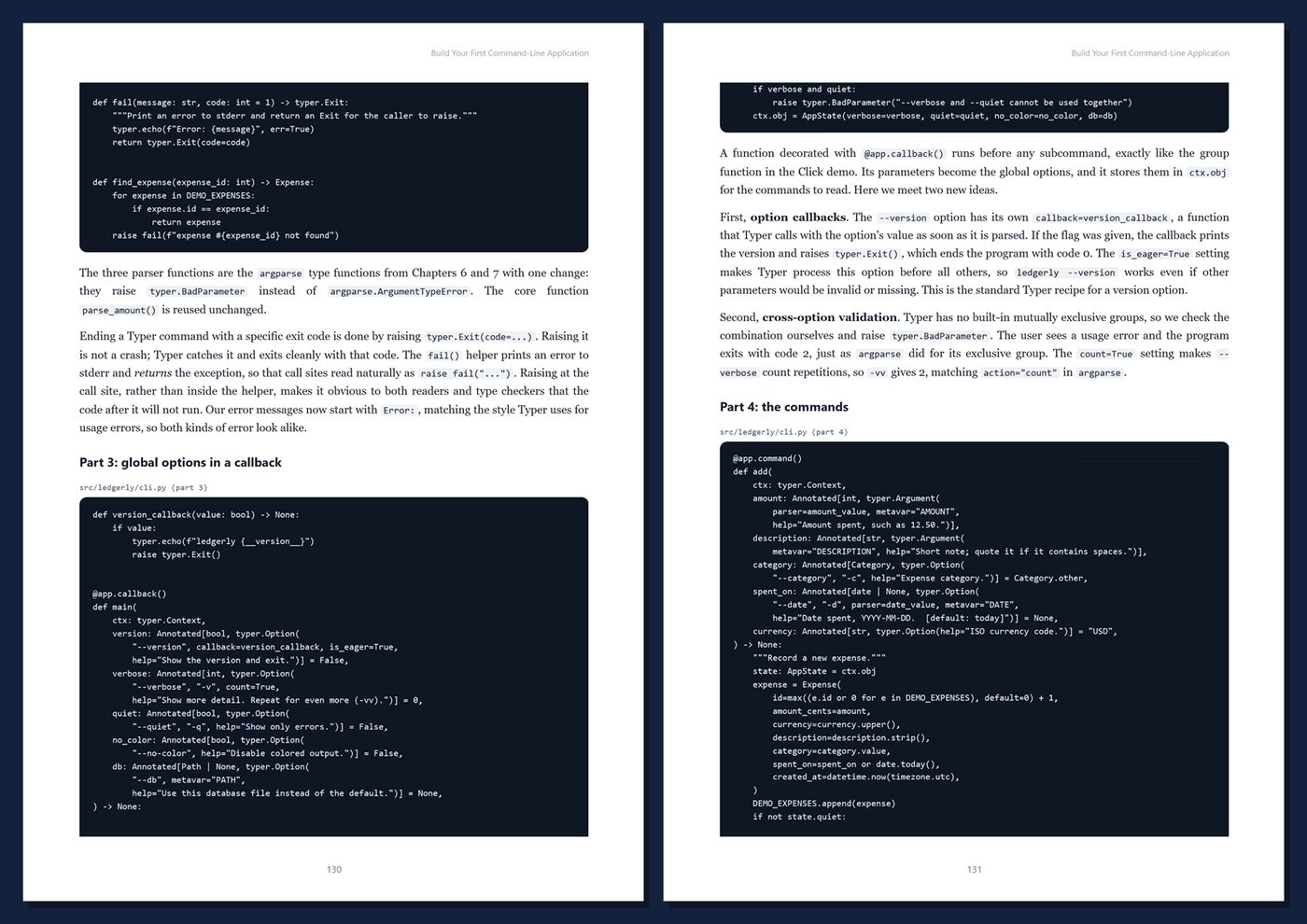
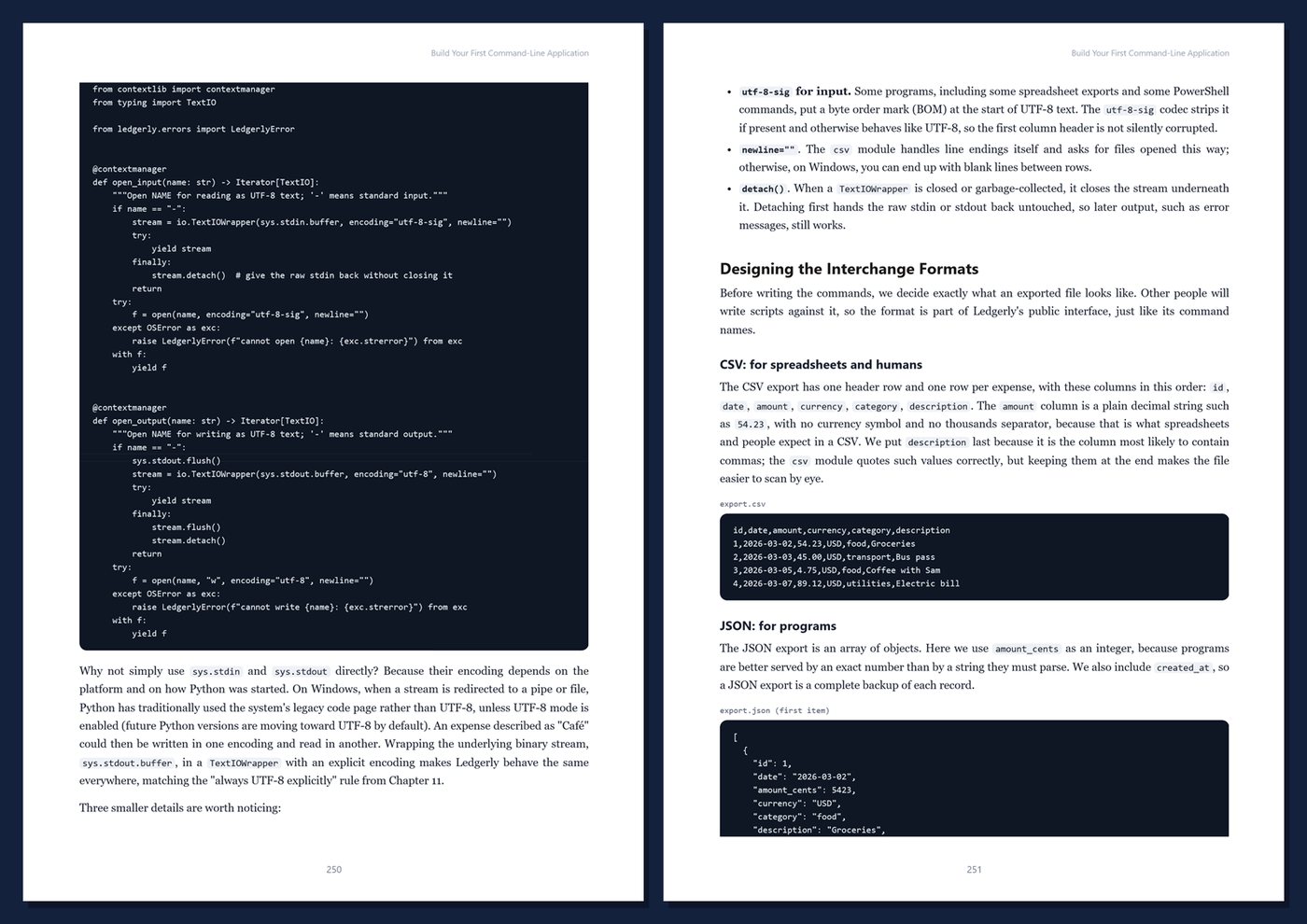
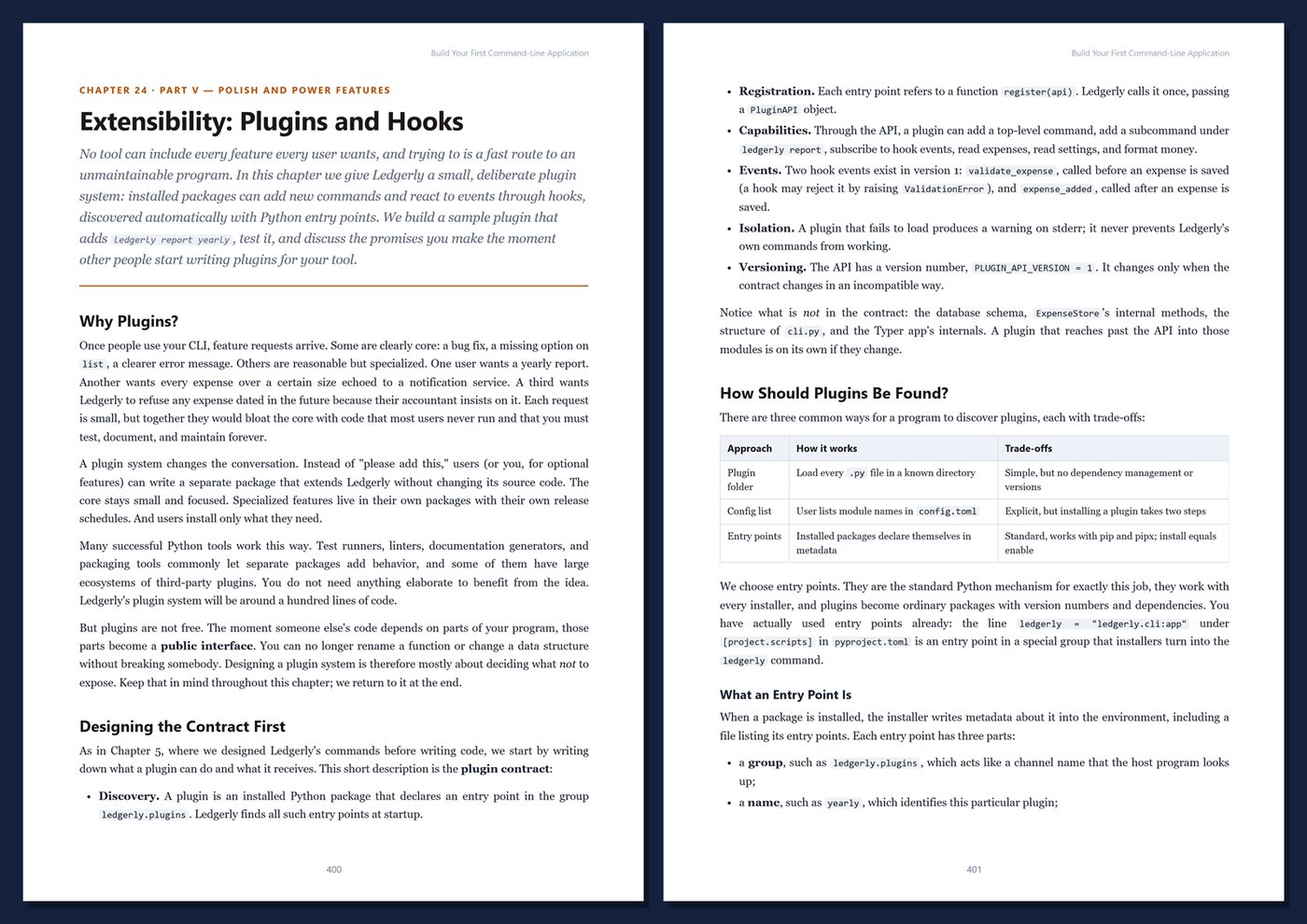
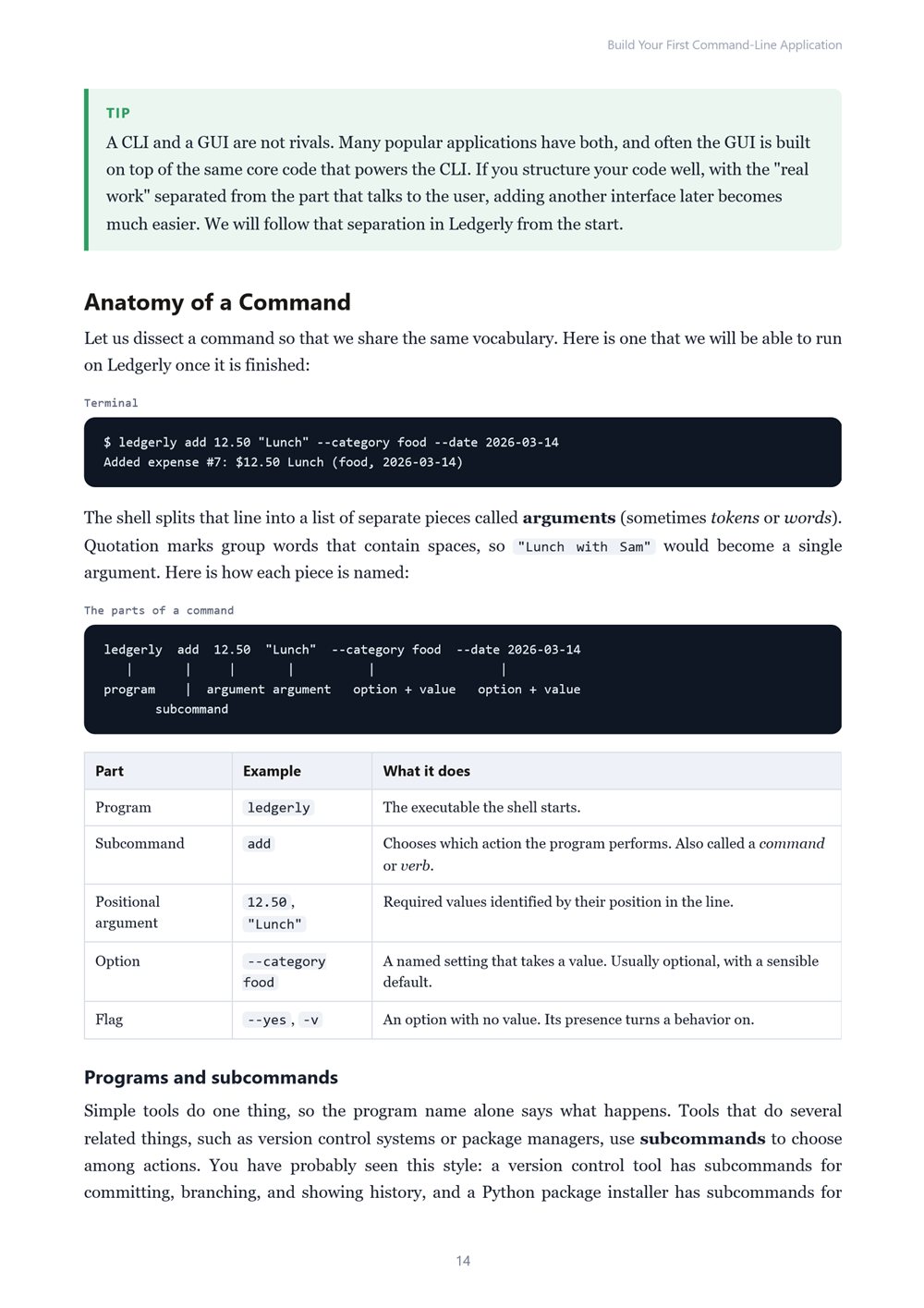
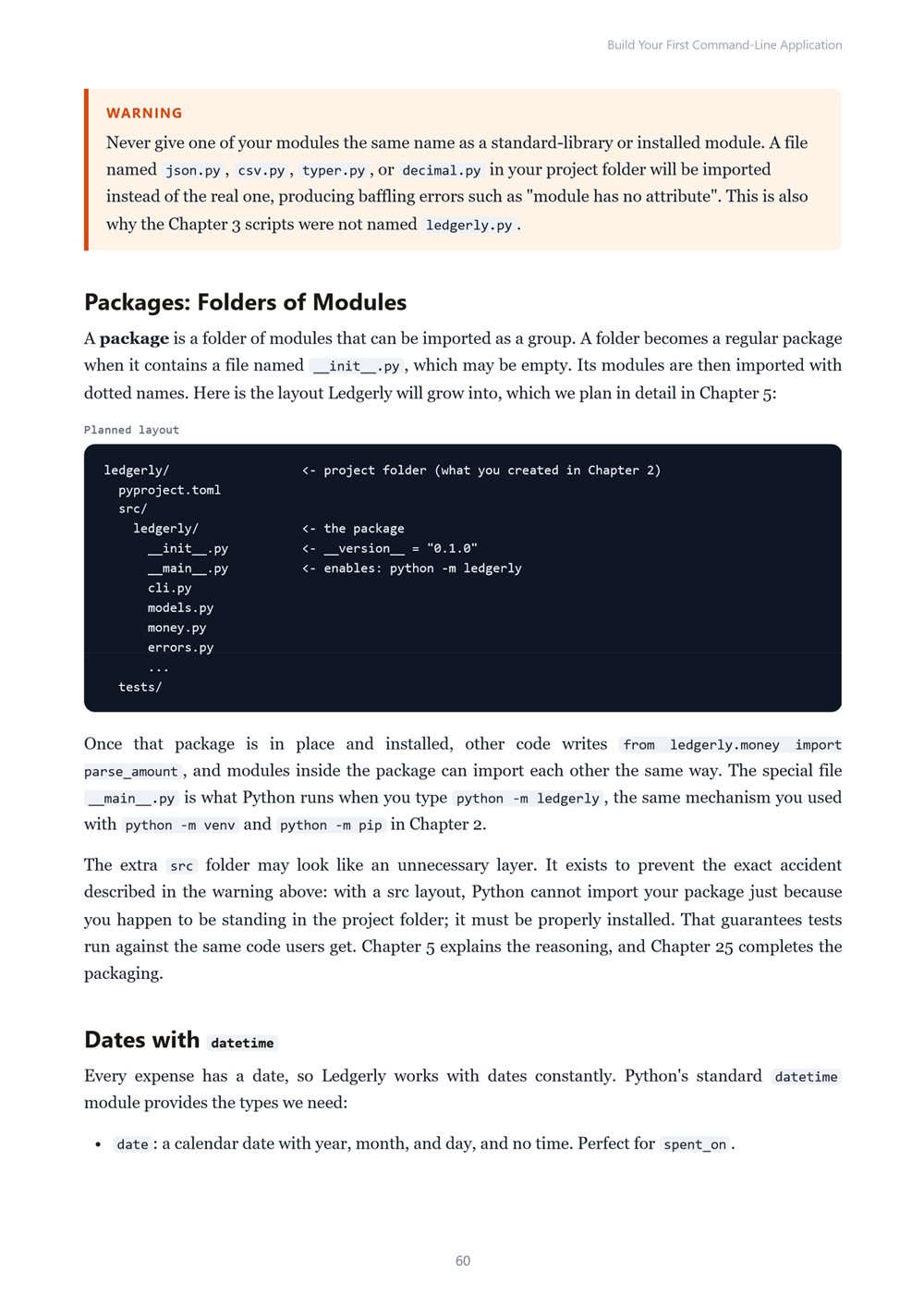
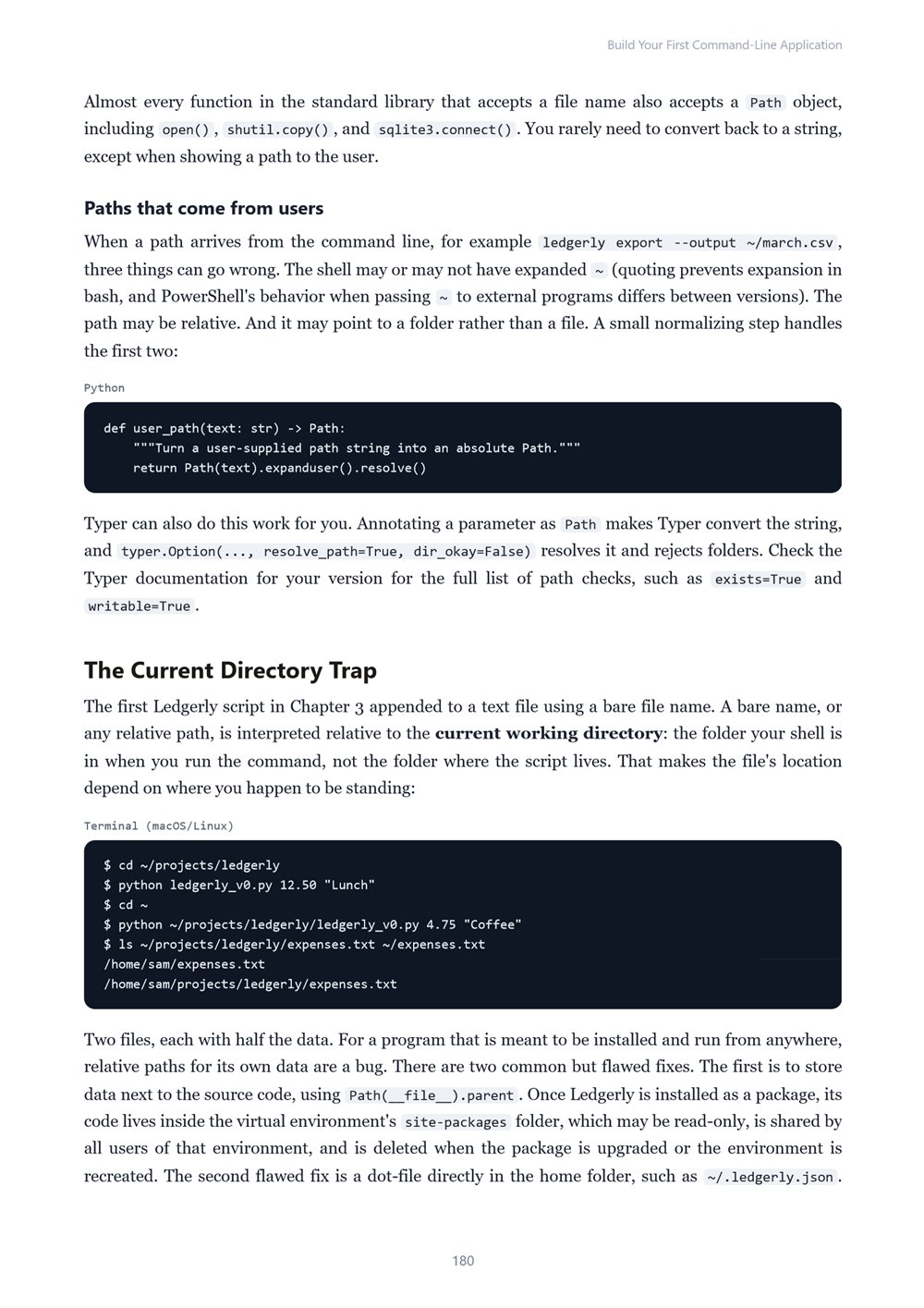
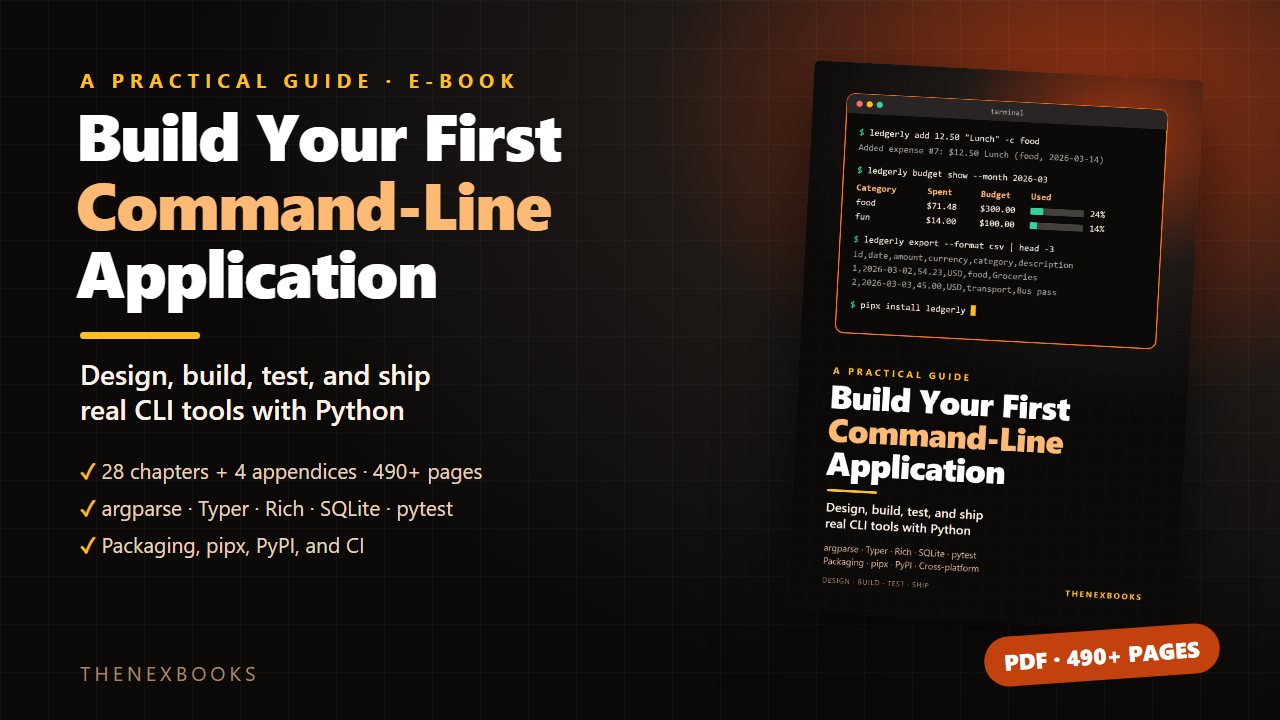
Go from a ten-line Python script to a real, installable command-line tool: argparse and Typer, Rich output, SQLite storage, configuration, testing with pytest, packaging, and publishing to PyPI. 28 chapters, 4 appendices, 494 pages (PDF).
A Practical Guide to Designing, Building, Testing, and Shipping CLI Tools with Python
Read before you buy: the PDF here is a free sample — the first 20 pages of the 494-page book (payments, sales and reviews on this demo site are sample data). Get the full e-book at thenexbooks on Gumroad.
Stop writing scripts only you can run. Build command-line tools other people can install, trust, and enjoy using.
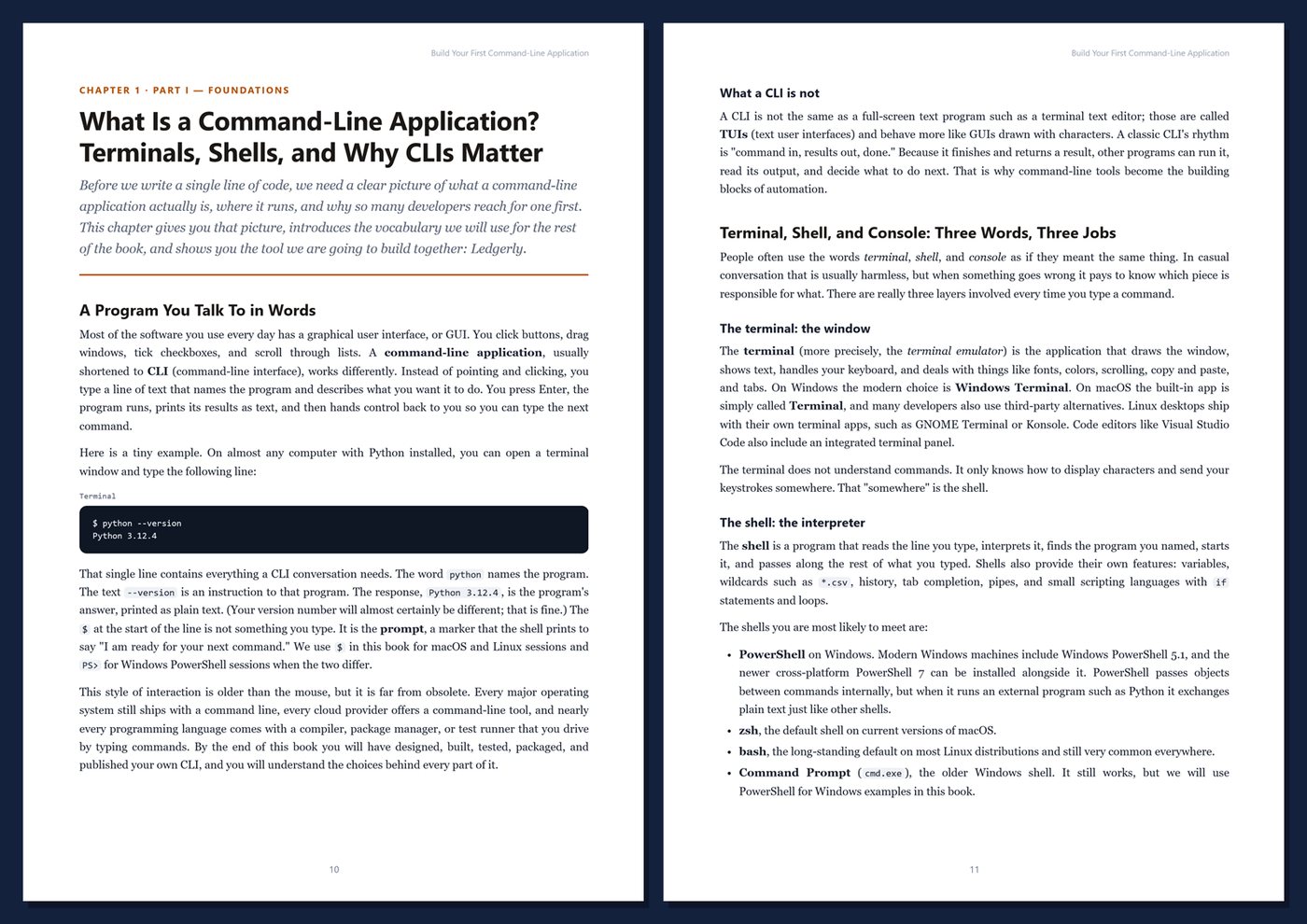
A script solves your problem once, on your machine. A tool solves it again and again, for other people too. It has a clear interface, helpful options, sensible errors, a way to install it, and documentation that answers questions before they are asked. The gap between the two is a set of practices rarely taught in one place, and command-line applications are the perfect way to learn them.
This book builds one real tool from start to finish and explains every decision along the way.
What's inside
- How terminals, shells, arguments, standard streams, and exit codes work, and how your program fits in
- Designing a command-line interface before writing code: commands, options, flags, and help text
- Argument parsing with argparse, subcommands, and a modern rewrite with Click and Typer
- Interactive prompts and confirmations, plus colorful tables and progress bars with Rich
- Machine-readable output for scripts, pipes, stdin/stdout, and CSV/JSON import and export
- Files and paths with pathlib, safe atomic writes, and platform-correct data and config folders
- JSON, CSV, TOML, and a reliable SQLite database with parameterized queries and migrations
- Configuration files, environment variables, and clear precedence rules
- Friendly error messages, exit codes, logging, verbosity levels, and debug modes
- Validating money, dates, and Unicode input correctly
- Testing commands with pytest and CliRunner
- Help text, shell completion, calling web APIs safely, startup performance, and cross-platform behavior on Windows, macOS, and Linux
- Plugins via entry points, packaging with pyproject.toml, pipx, PyPI, standalone executables, semantic versioning, changelogs, and CI
One running example, start to finish. You build Ledgerly, a personal expense tracker for the terminal. It starts as a tiny script and ends as a tested, documented, packaged 1.0 release anyone can install with one command.
Beginner-friendly, professional habits. You only need basic Python. Every chapter includes complete code, terminal sessions for Windows and macOS/Linux, Tips, Notes, Warnings, exercises, and Key Takeaways.
Format: PDF, 494 pages (A4), linked table of contents and bookmarks. English. First Edition, 2026. Published by thenexbooks.
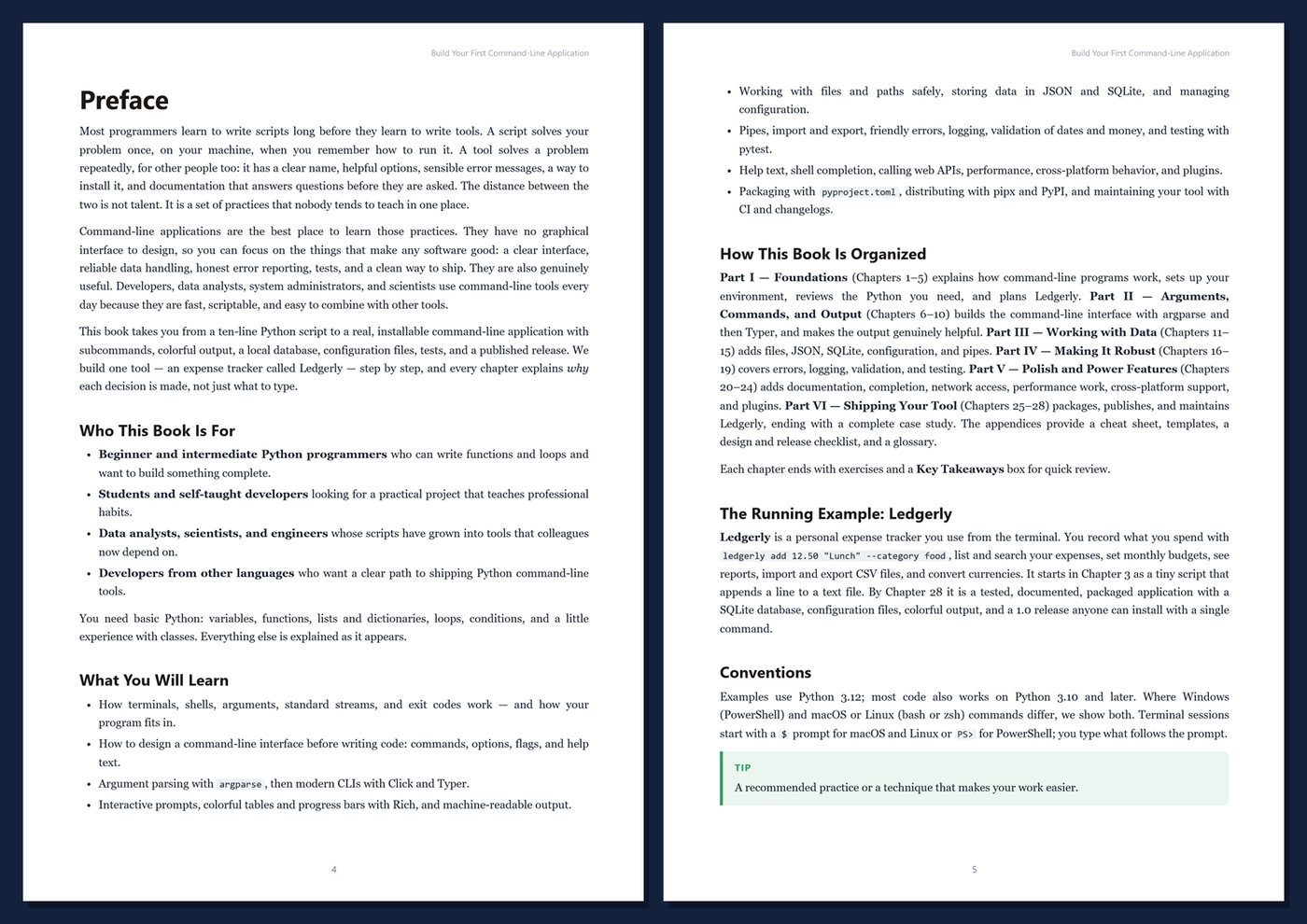
Table of Contents
Part I — Foundations
- Ch 1 · What Is a Command-Line Application? Terminals, Shells, and Why CLIs Matter
- Ch 2 · Setting Up: Python, a Terminal, an Editor, and Virtual Environments
- Ch 3 · Your First Script: Output, Input, Arguments, and Exit Codes
- Ch 4 · Python Essentials for CLI Builders: Functions, Modules, Dataclasses, and Exceptions
- Ch 5 · Planning Ledgerly: Requirements, Commands, and Project Layout
Part II — Arguments, Commands, and Output
- Ch 6 · Parsing Arguments with argparse
- Ch 7 · Subcommands and Command Design
- Ch 8 · Modern CLI Frameworks: Click and Typer
- Ch 9 · Interactive Input: Prompts, Confirmations, and Passwords
- Ch 10 · Output That Helps: Formatting, Color, Tables, and Progress with Rich
Part III — Working with Data
- Ch 11 · Files and Paths: pathlib, Safe Writes, and Where to Store Data
- Ch 12 · Storing Data in JSON, CSV, and TOML
- Ch 13 · Reliable Local Storage with SQLite
- Ch 14 · Configuration: Config Files, Environment Variables, and Precedence
- Ch 15 · Pipes and Streams: stdin, stdout, stderr, Import, and Export
Part IV — Making It Robust
- Ch 16 · Errors, Exit Codes, and Friendly Messages
- Ch 17 · Logging, Verbosity, and Debug Modes
- Ch 18 · Validation and Edge Cases: Dates, Money, Unicode, and Bad Input
- Ch 19 · Testing Your CLI with pytest
Part V — Polish and Power Features
- Ch 20 · Help Text, Documentation, and Shell Completion
- Ch 21 · Talking to the Network: Calling Web APIs Safely
- Ch 22 · Performance: Startup Time, Large Files, and Streaming
- Ch 23 · Cross-Platform CLIs: Windows, macOS, and Linux
- Ch 24 · Extensibility: Plugins and Hooks
Part VI — Shipping Your Tool
- Ch 25 · Packaging with pyproject.toml and Entry Points
- Ch 26 · Distributing: pipx, PyPI, and Standalone Executables
- Ch 27 · Versioning, Changelogs, CI, and Maintaining Your CLI
- Ch 28 · Case Study: Ledgerly from First Commit to Release 1.0
Appendices
A · CLI Cheat Sheet
B · Templates and Reference
C · CLI Design and Release Checklist
D · Glossary
Book details
| Detail | |
|---|---|
| Pages | 494 |
| Format | PDF (A4) |
| Language | English |
| Level | Beginner to Intermediate |
| Edition | 1st Edition (2026) |
| Download on this site | Free sample, first 20 pages (PDF) |
| Publisher | thenexbooks |
Files you get
No reviews yet. Only buyers can review.
More from thenexbooks