 1 / 11
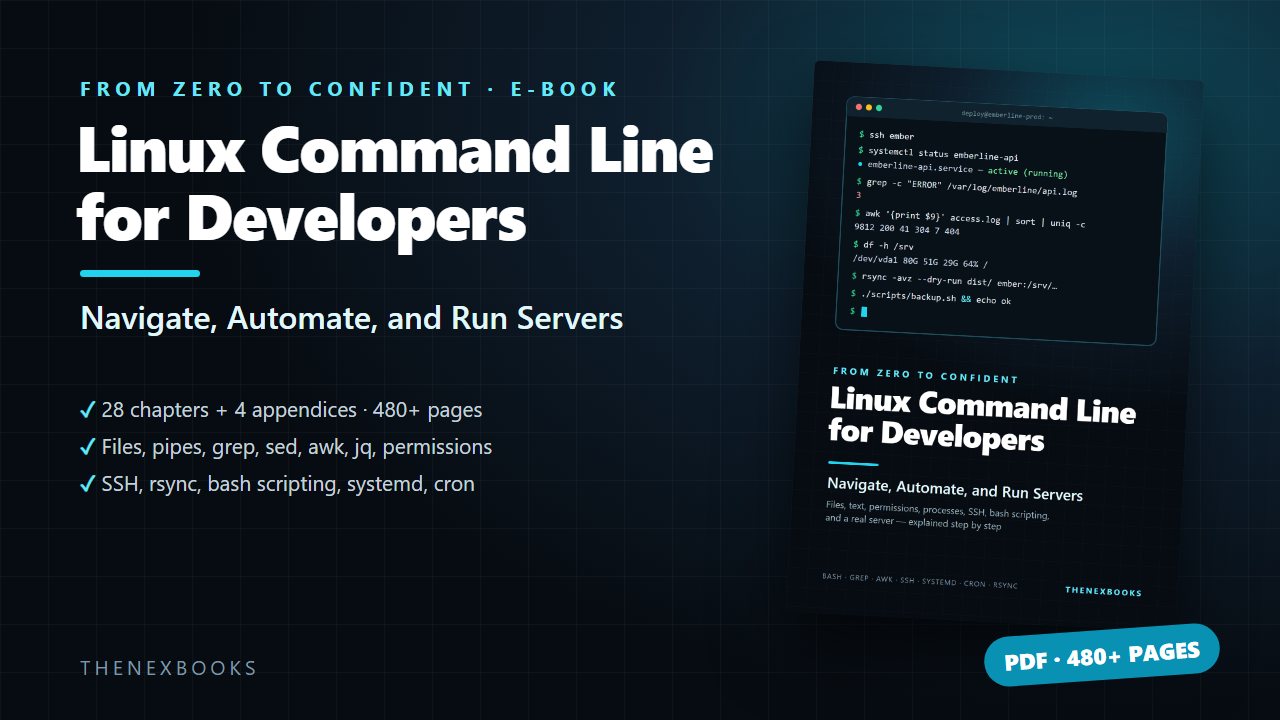
A 483-page, hands-on guide that takes developers from their first terminal command to confidently scripting, automating, and running a real Linux server.
From Zero to Confident
Read before you buy: the PDF here is a free sample — the first 20 pages of the 483-page book (payments, sales and reviews on this demo site are sample data). Get the full e-book at thenexbooks on Gumroad.
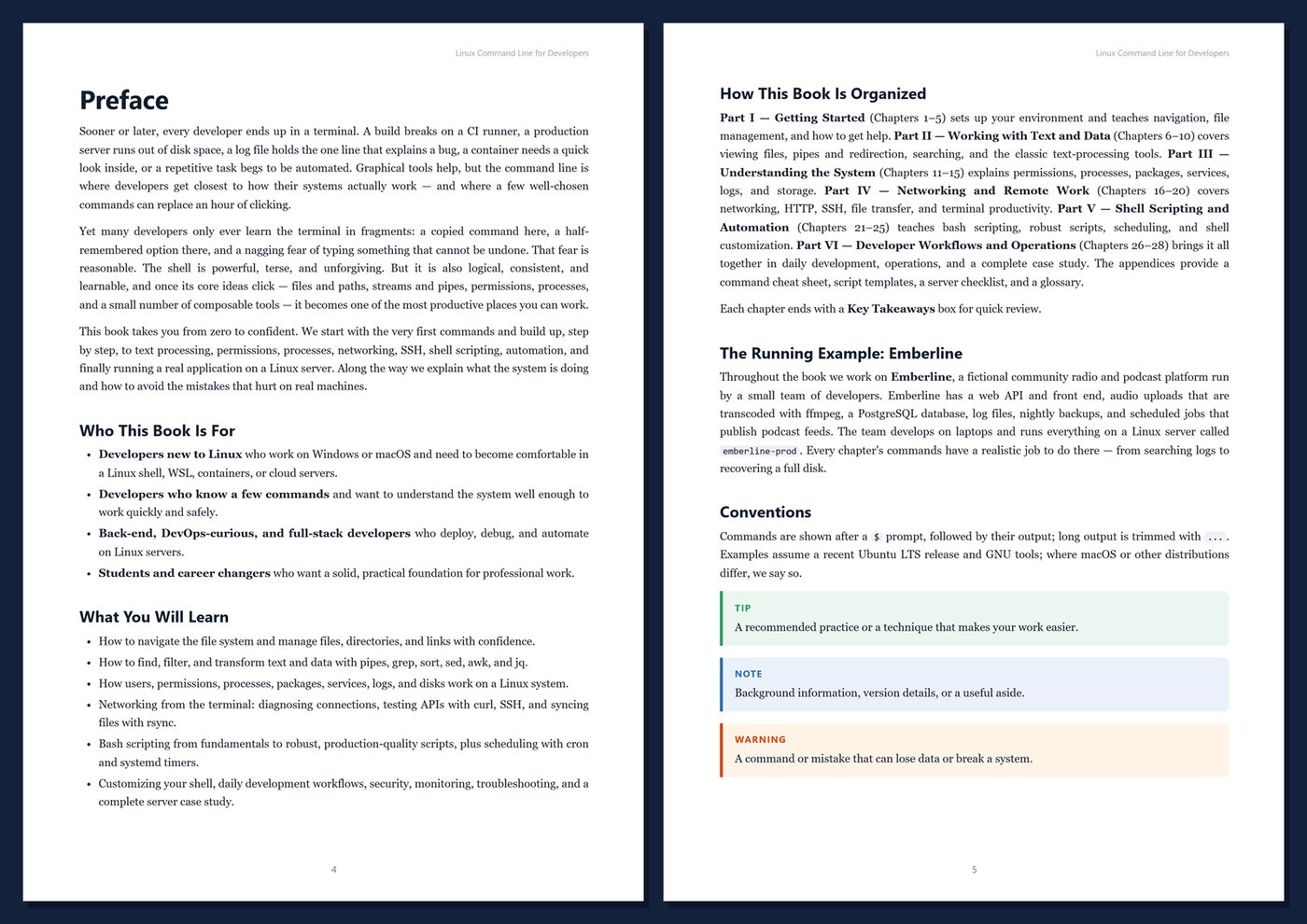
Every developer ends up in a terminal eventually.
A build breaks on a CI runner. A production server runs out of disk space. A log file holds the one line that explains a bug. A repetitive task begs to be automated. The command line is where you get closest to how your systems really work — but many developers only know it in fragments, with a nagging fear of typing something that can't be undone.
This book takes you from zero to confident: what the system is doing, which commands to reach for, and how to avoid the mistakes that hurt on real machines.
- 483 pages · 28 chapters + 4 appendices
- Get a Linux shell anywhere: native Linux, WSL, macOS, VMs, and containers
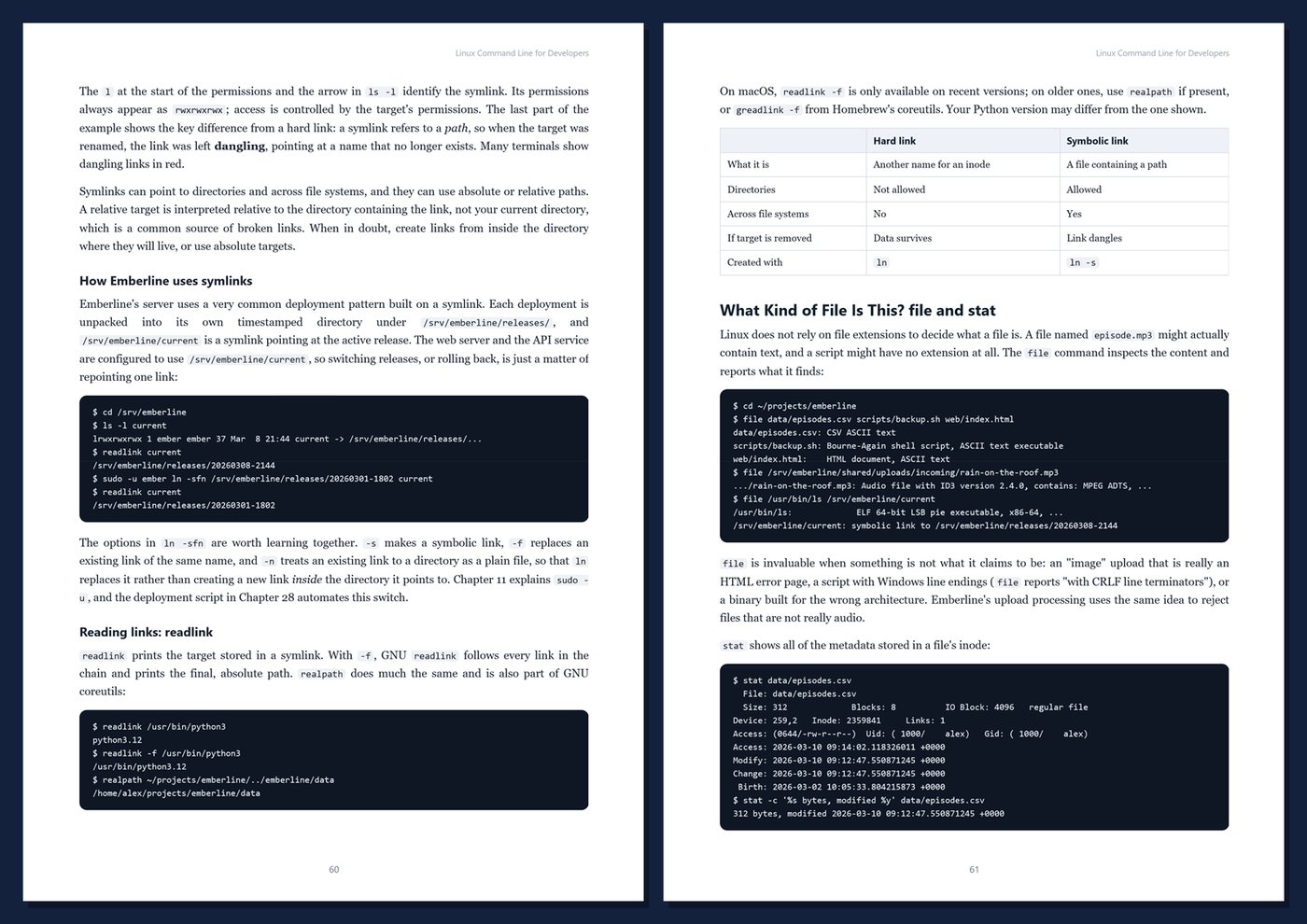
- Navigate, manage files and links, and get help without guessing
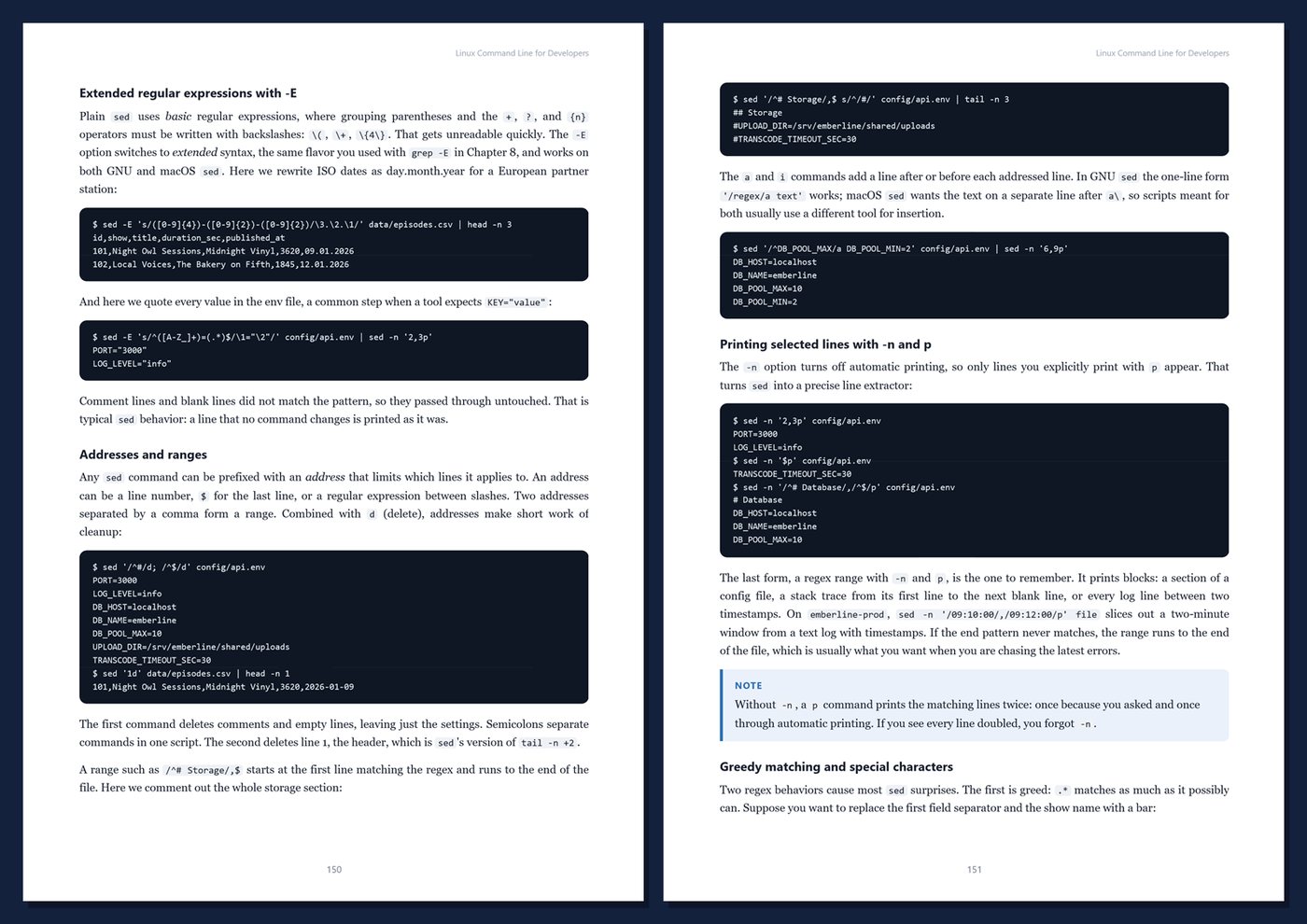
- Pipes and redirection, grep, find, sort, uniq, sed, awk, and jq on real logs and data
- Users, permissions, sudo, processes, signals, packages, systemd, journalctl, and disks
- Networking, curl, SSH keys and tunnels, rsync, backups, and tmux
- Bash scripting from fundamentals to robust scripts with strict mode, traps, and ShellCheck
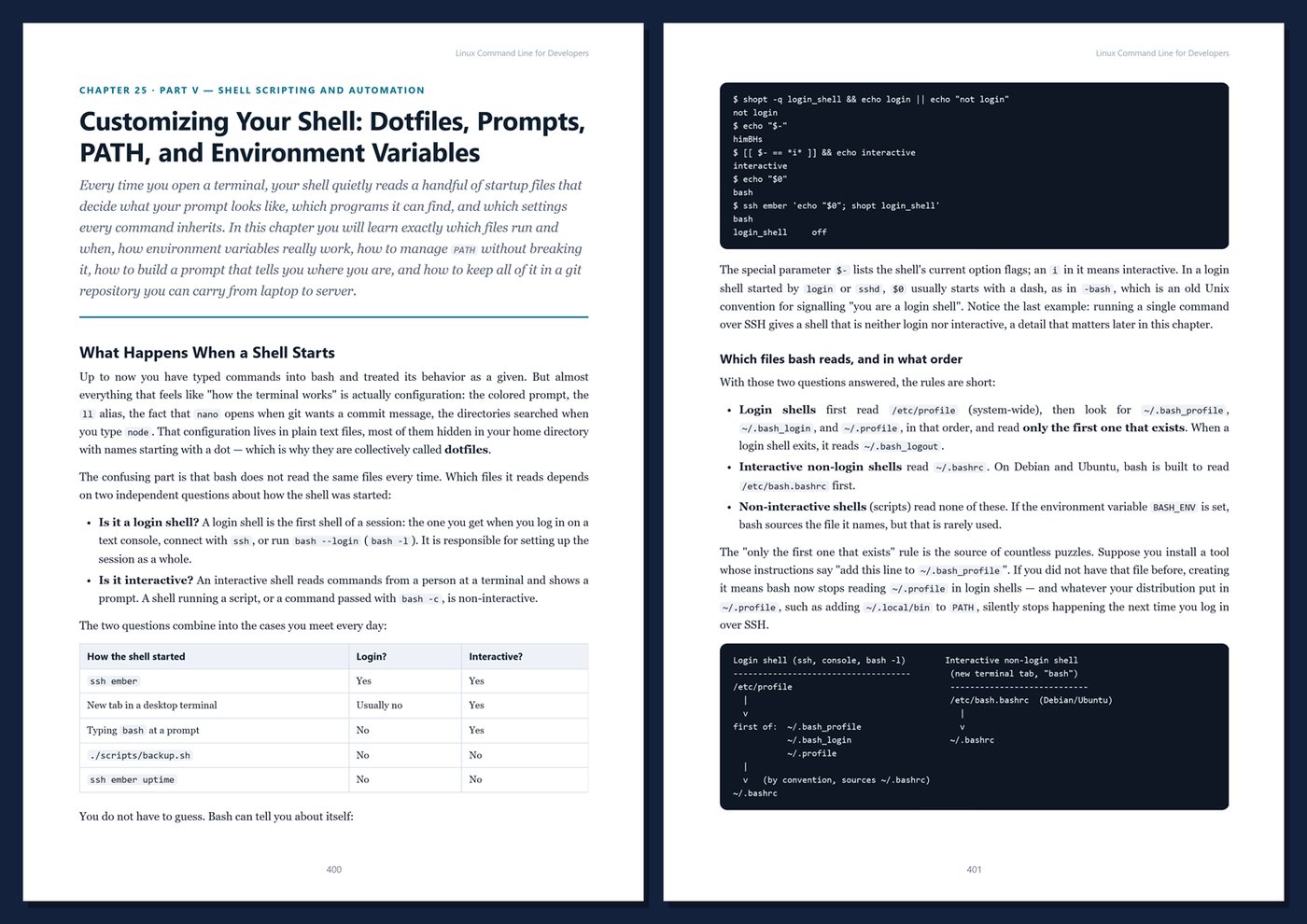
- Automation with cron and systemd timers, plus dotfiles and shell customization
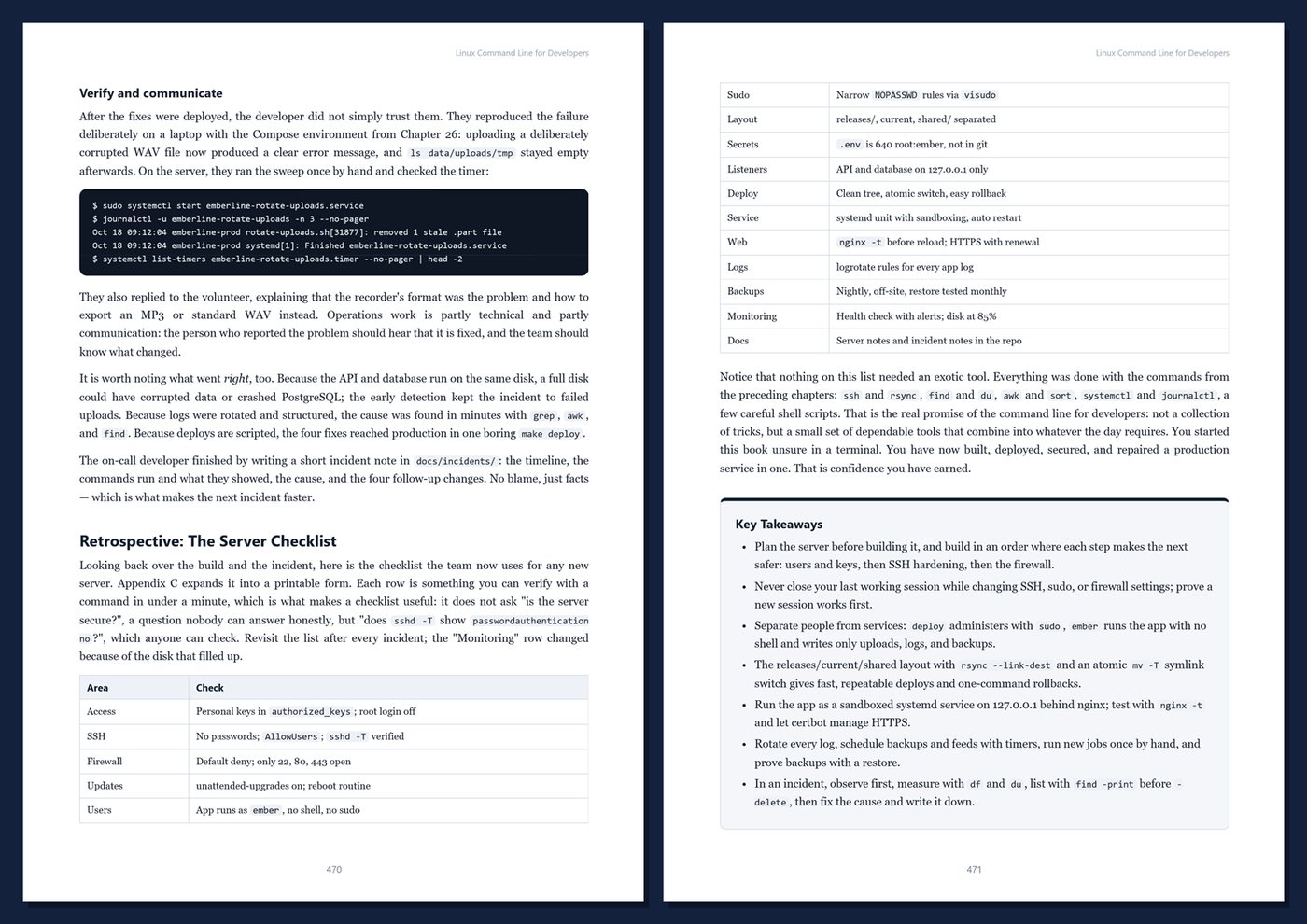
- Security, monitoring, troubleshooting, and a complete case study: a real app on a fresh server
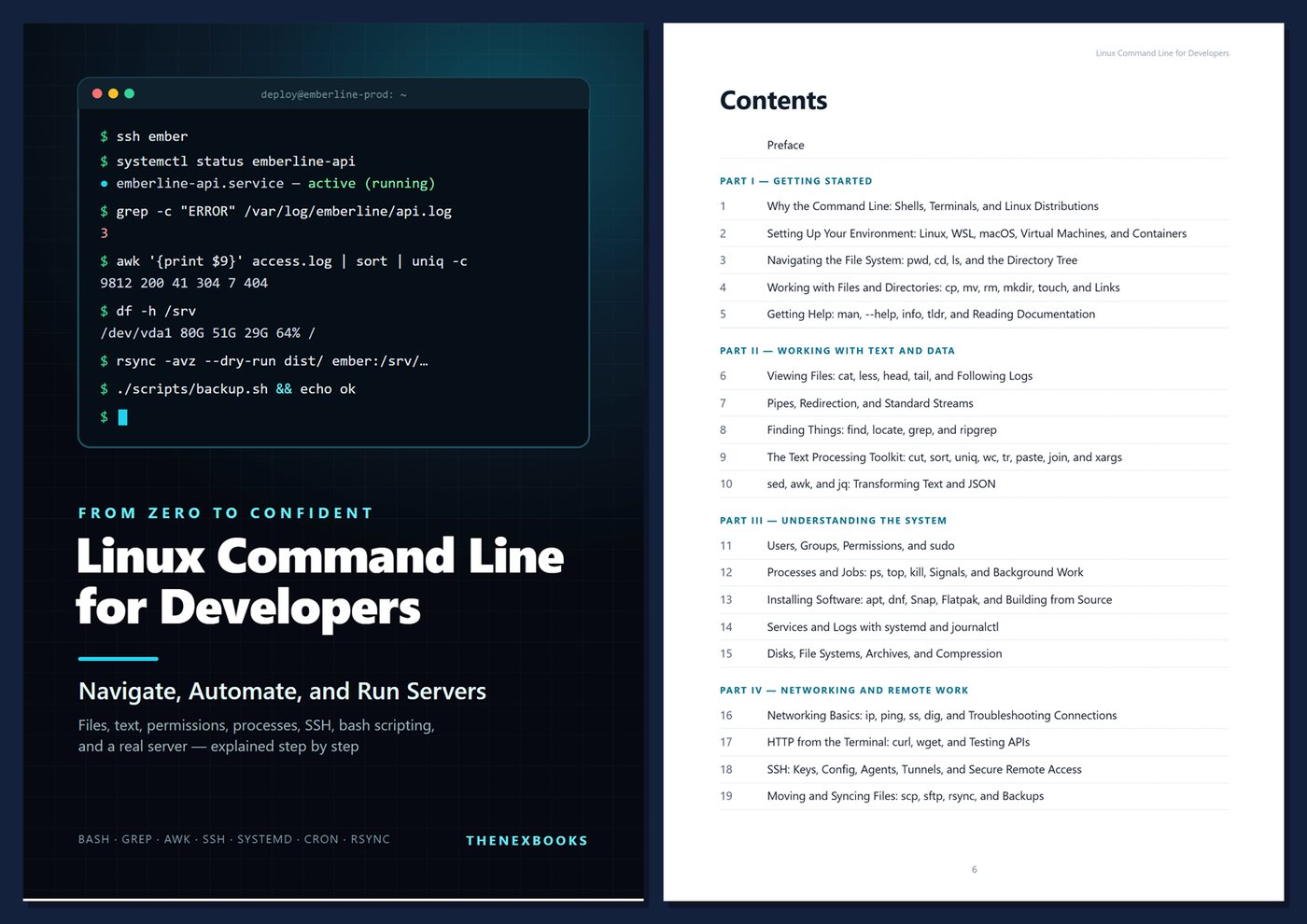
Table Of Contents
Part I — Getting Started
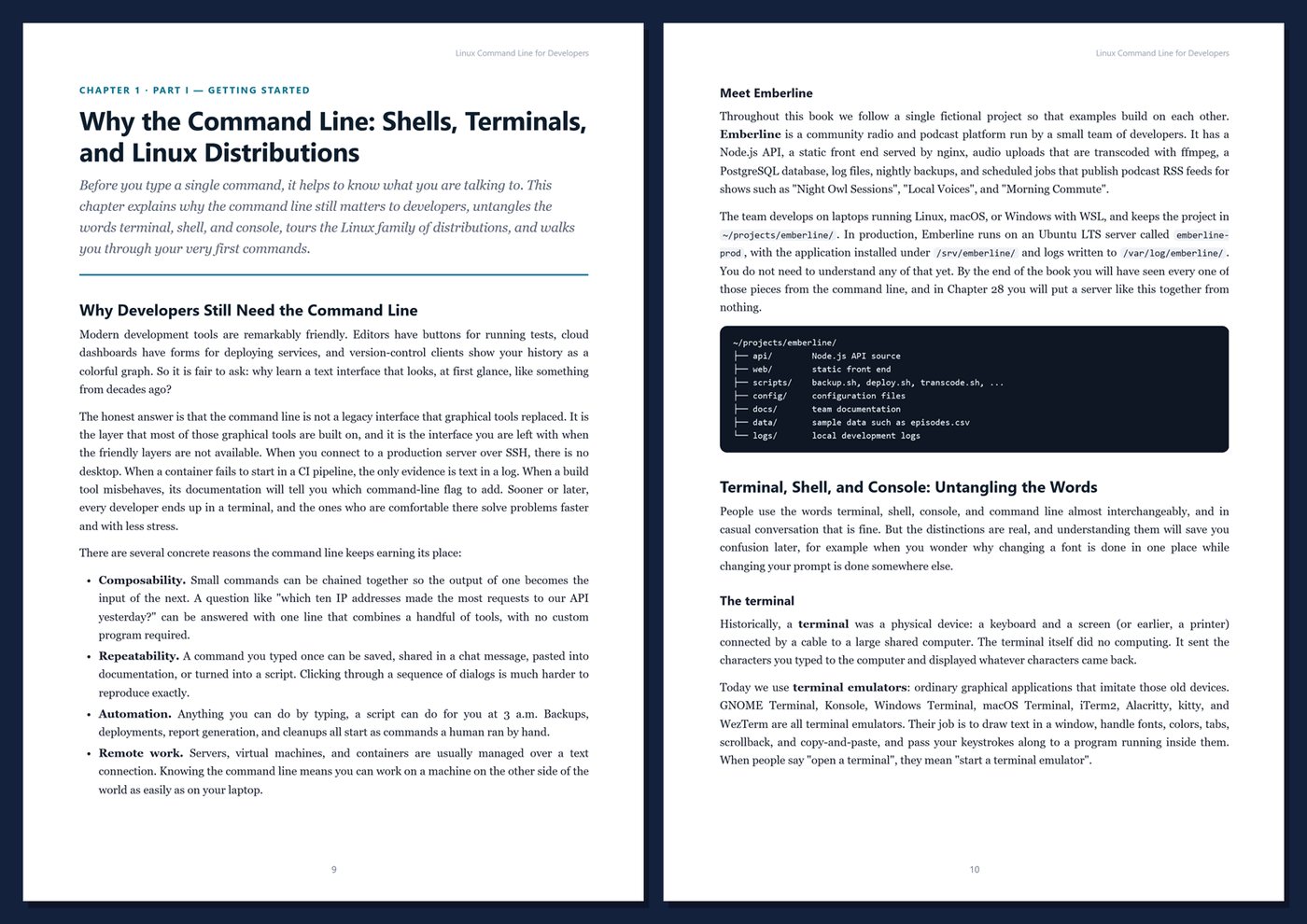
- Ch 1 · Why the Command Line: Shells, Terminals, and Linux Distributions
- Ch 2 · Setting Up Your Environment: Linux, WSL, macOS, Virtual Machines, and Containers
- Ch 3 · Navigating the File System: pwd, cd, ls, and the Directory Tree
- Ch 4 · Working with Files and Directories: cp, mv, rm, mkdir, touch, and Links
- Ch 5 · Getting Help: man, --help, info, tldr, and Reading Documentation
Part II — Working with Text and Data
- Ch 6 · Viewing Files: cat, less, head, tail, and Following Logs
- Ch 7 · Pipes, Redirection, and Standard Streams
- Ch 8 · Finding Things: find, locate, grep, and ripgrep
- Ch 9 · The Text Processing Toolkit: cut, sort, uniq, wc, tr, paste, join, and xargs
- Ch 10 · sed, awk, and jq: Transforming Text and JSON
Part III — Understanding the System
- Ch 11 · Users, Groups, Permissions, and sudo
- Ch 12 · Processes and Jobs: ps, top, kill, Signals, and Background Work
- Ch 13 · Installing Software: apt, dnf, Snap, Flatpak, and Building from Source
- Ch 14 · Services and Logs with systemd and journalctl
- Ch 15 · Disks, File Systems, Archives, and Compression
Part IV — Networking and Remote Work
- Ch 16 · Networking Basics: ip, ping, ss, dig, and Troubleshooting Connections
- Ch 17 · HTTP from the Terminal: curl, wget, and Testing APIs
- Ch 18 · SSH: Keys, Config, Agents, Tunnels, and Secure Remote Access
- Ch 19 · Moving and Syncing Files: scp, sftp, rsync, and Backups
- Ch 20 · Terminal Productivity: History, Aliases, Keybindings, and tmux
Part V — Shell Scripting and Automation
- Ch 21 · Bash Fundamentals: Variables, Quoting, Expansion, and Exit Codes
- Ch 22 · Control Flow, Functions, and Arrays in Bash
- Ch 23 · Writing Robust Scripts: Strict Mode, Arguments, Traps, and ShellCheck
- Ch 24 · Automation: cron, systemd Timers, and Scheduled Jobs
- Ch 25 · Customizing Your Shell: Dotfiles, Prompts, PATH, and Environment Variables
Part VI — Developer Workflows and Operations
- Ch 26 · The Command Line in Daily Development: Editors, Git, Build Tools, and Containers
- Ch 27 · Security, Monitoring, and Troubleshooting a Linux Server
- Ch 28 · Case Study: Running Emberline on a Linux Server from Zero
Appendices
- App A · Command Cheat Sheet
- App B · Script Templates and Reference
- App C · Server Checklist
- App D · Glossary
WHO IT IS FOR
Developers new to Linux, developers who know a few commands but want real confidence, back-end and full-stack developers who deploy and debug on Linux servers, and students or career changers building a professional foundation.
FORMAT
PDF (A4), 483 pages, English, clickable table of contents and PDF bookmarks. 1st Edition, 2026. Published by thenexbooks.
Book details
| Detail | |
|---|---|
| Pages | 483 |
| Format | PDF (A4) |
| Language | English |
| Level | Beginner to Intermediate |
| Edition | 1st Edition, 2026 |
| Download on this site | Free sample, first 20 pages (PDF) |
| Publisher | thenexbooks |
Files you get
No reviews yet. Only buyers can review.
More from thenexbooks