 1 / 11
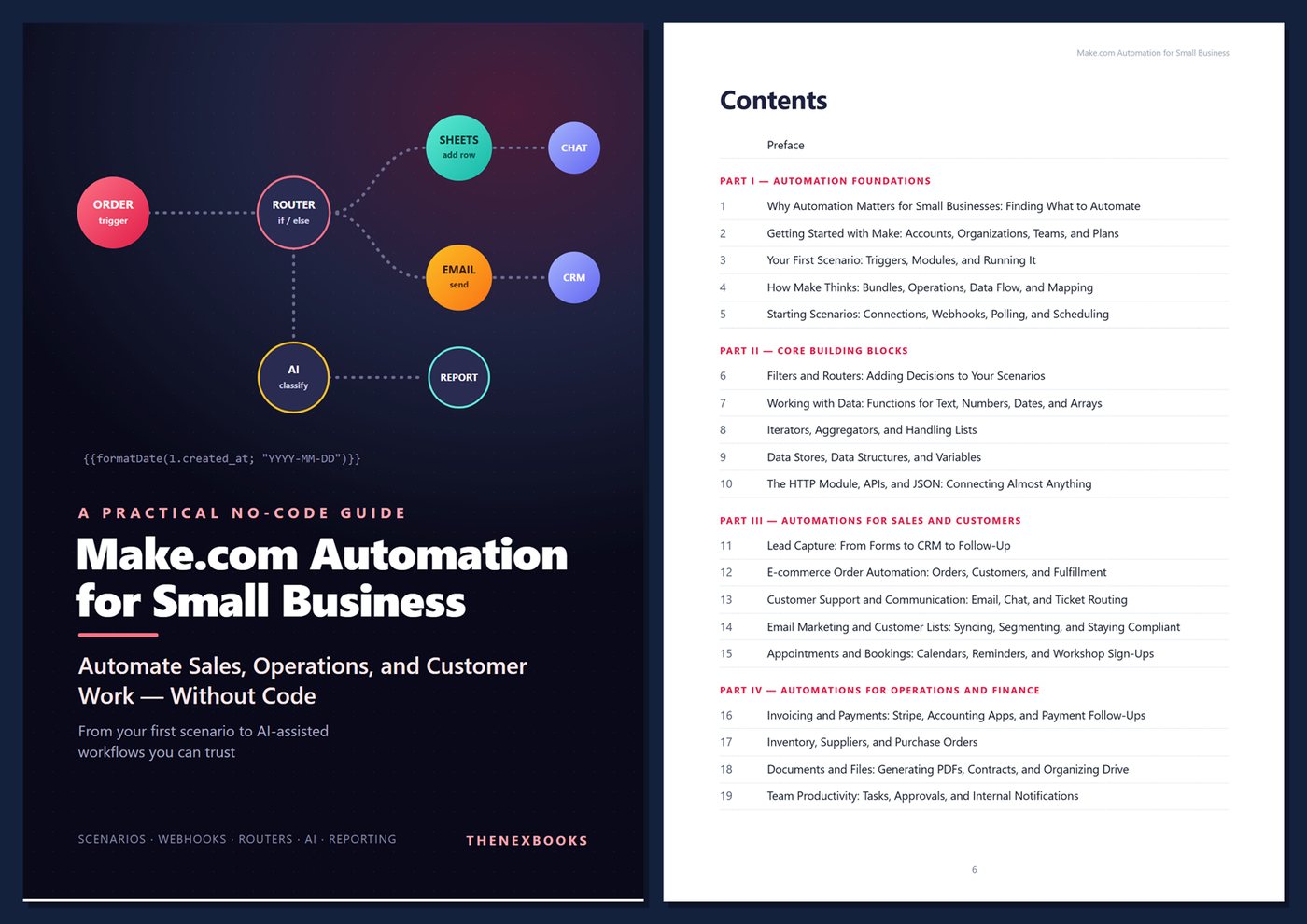
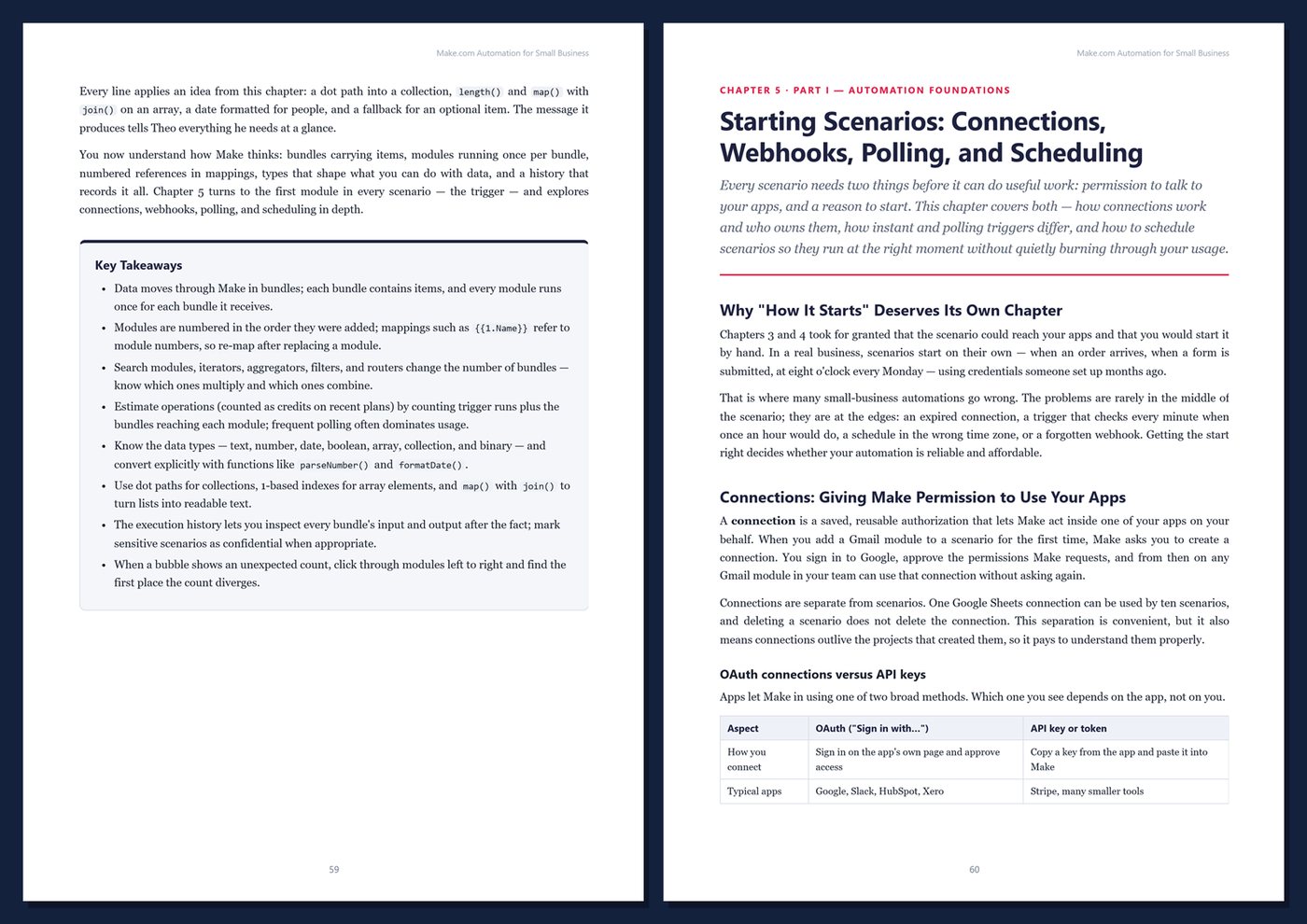
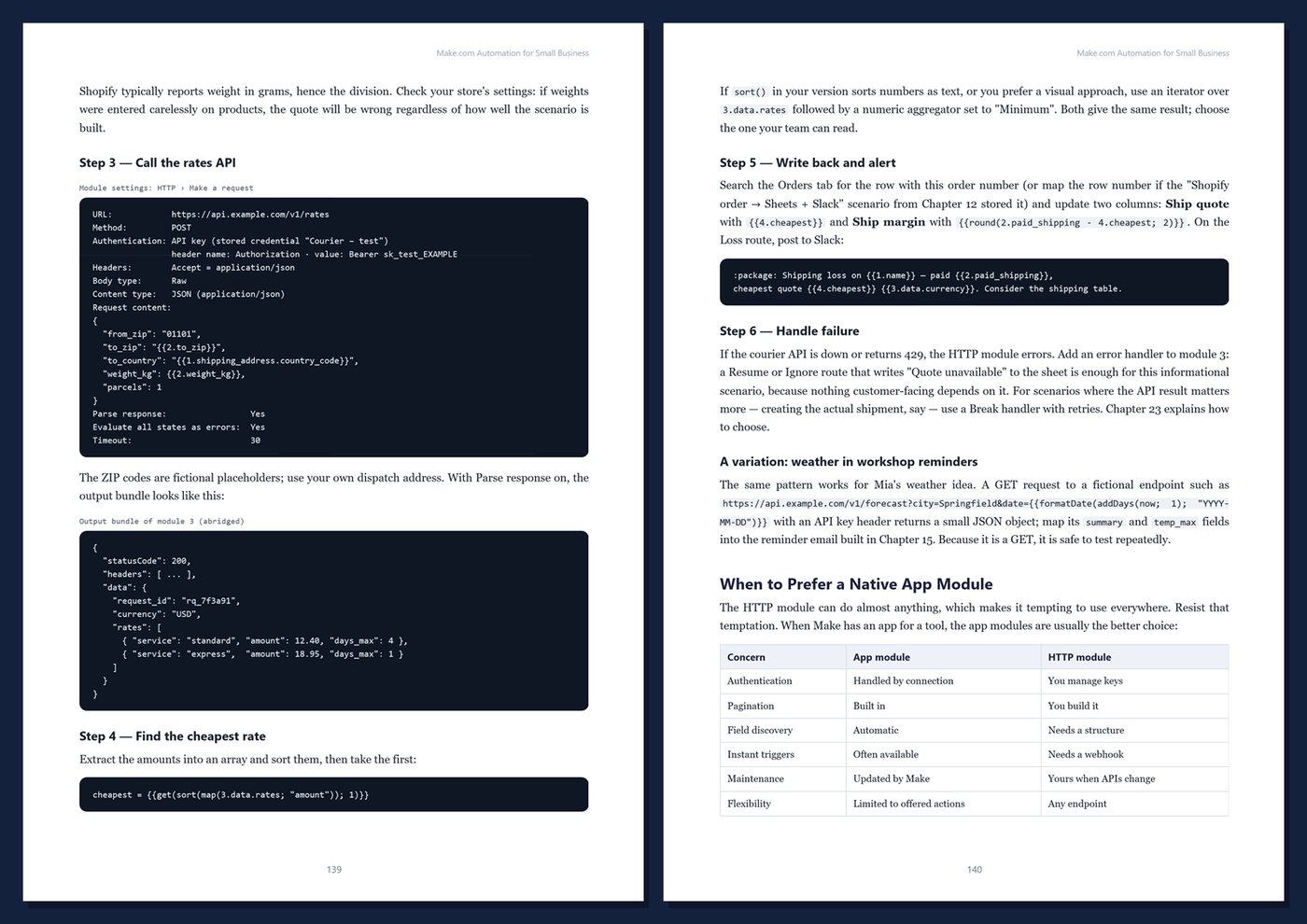
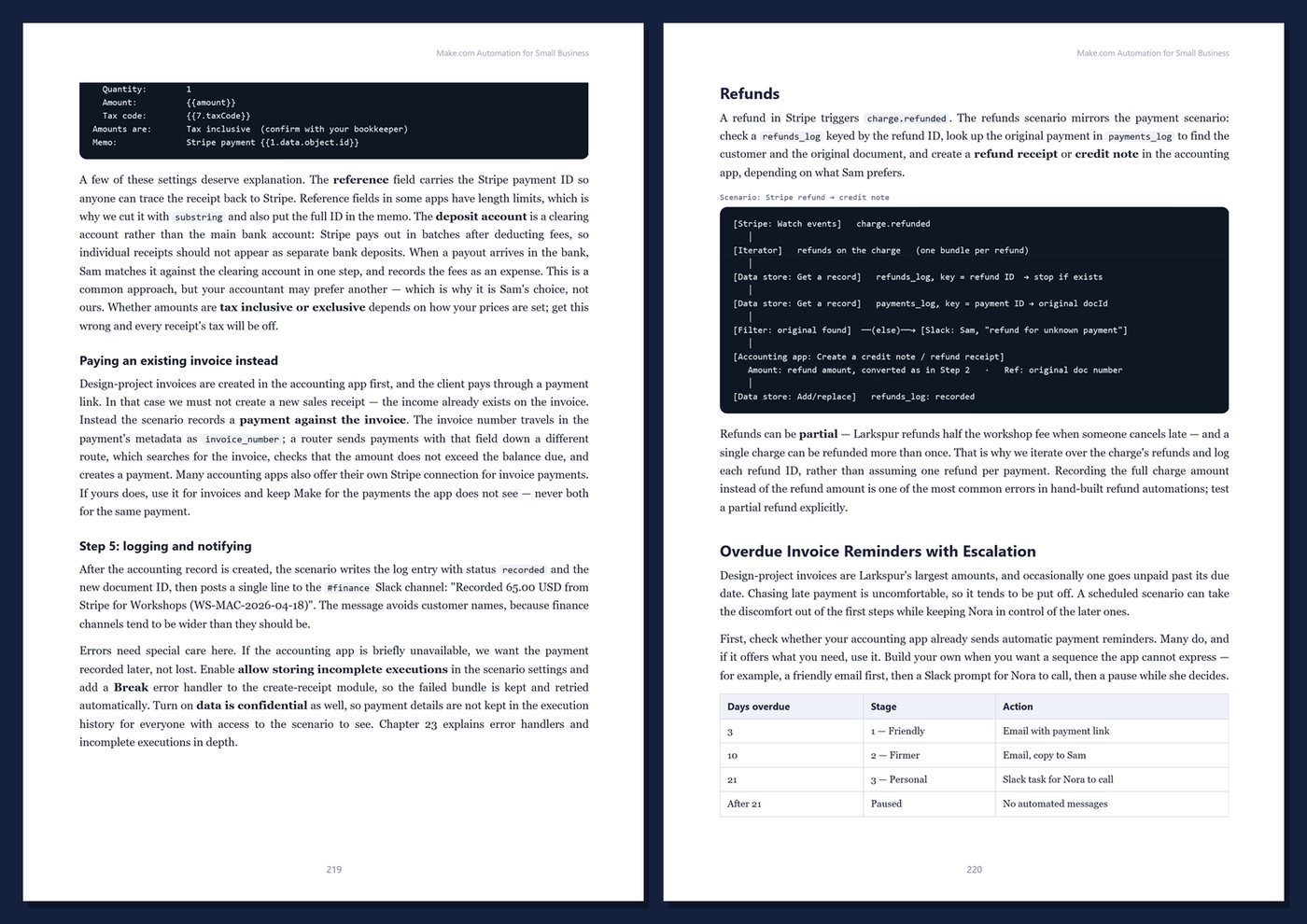
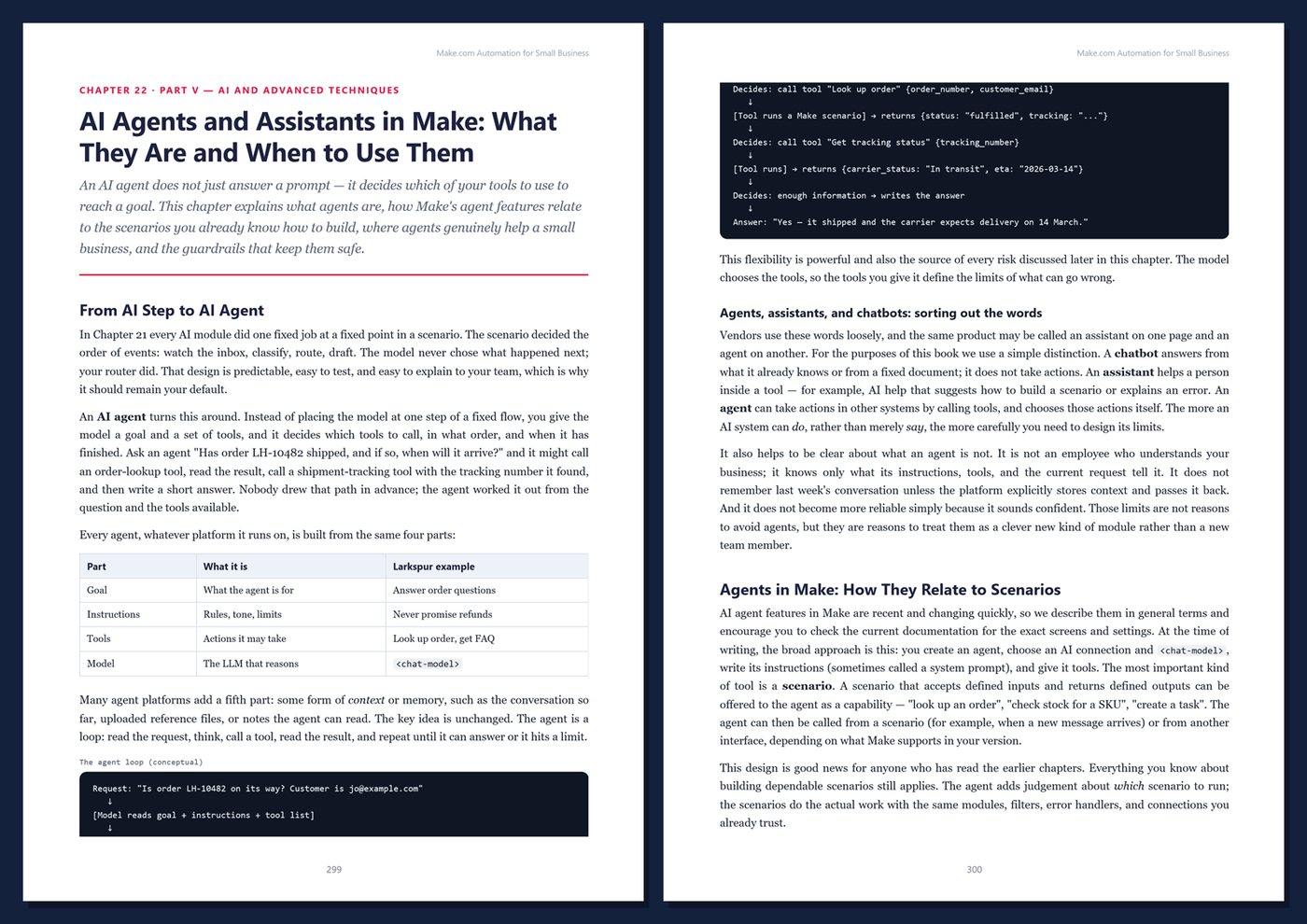
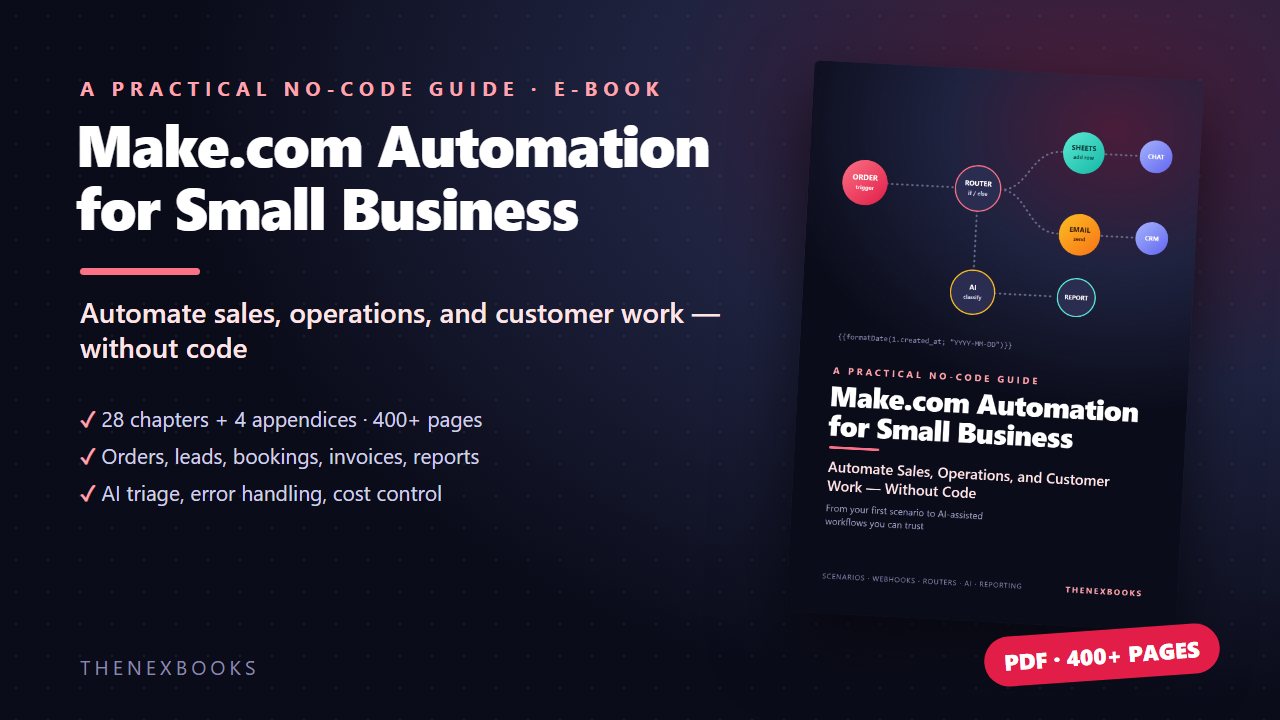
A 404-page, step-by-step guide to automating a small business with Make — leads, orders, support, bookings, invoices, inventory, reporting, and AI — without writing code.
A Practical Guide to Automating Sales, Operations, and Customer Work Without Code
Read before you buy: the PDF here is a free sample — the first 20 pages of the 404-page book (payments, sales and reviews on this demo site are sample data). Get the full e-book at thenexbooks on Gumroad.
Your business runs on repetition. Let Make do the repetitive part.
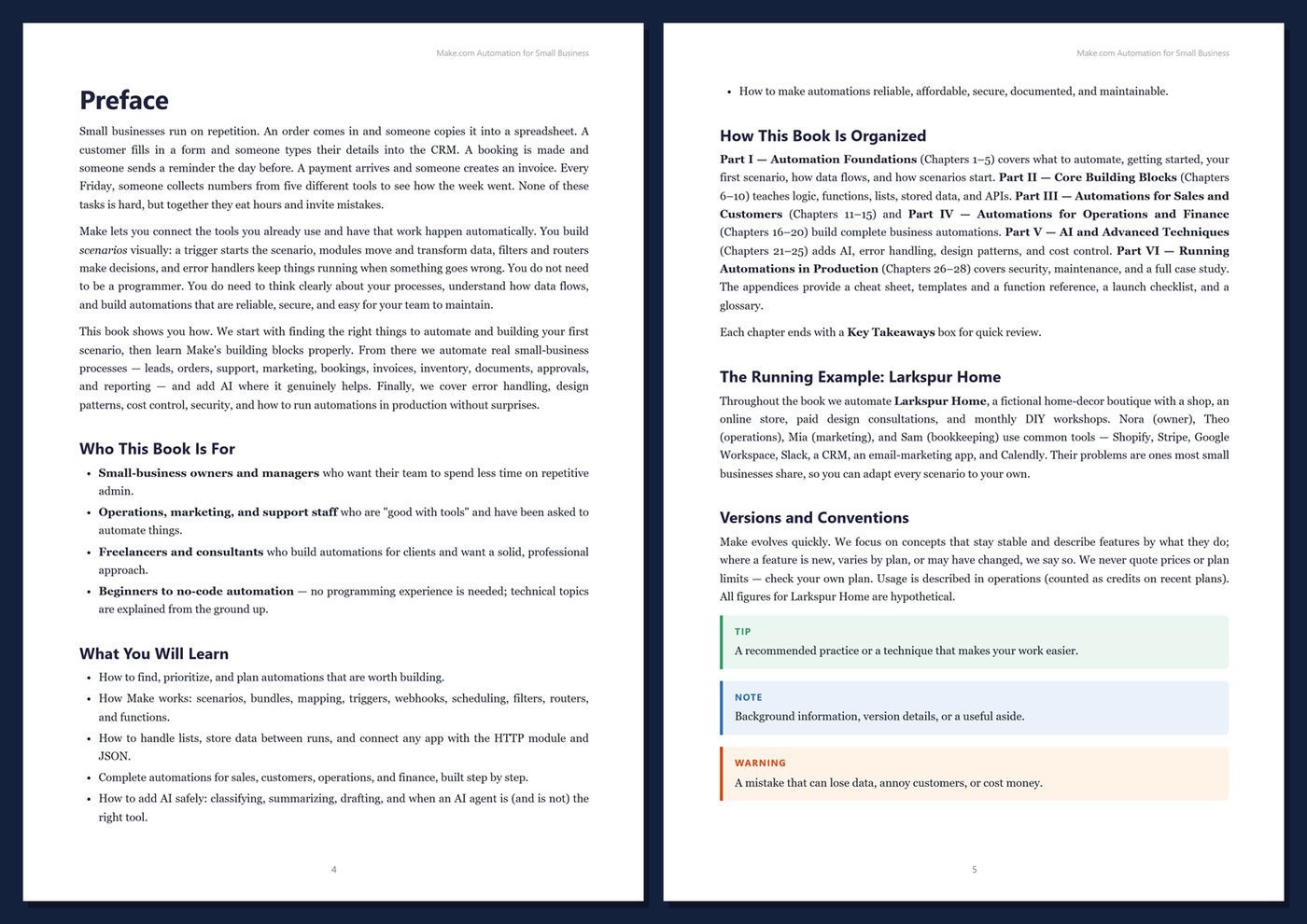
An order comes in and someone copies it into a spreadsheet. A form is submitted and someone retypes it into the CRM. A booking is made and someone sends a reminder. A payment arrives and someone creates an invoice. Every Friday someone gathers numbers from five tools. None of it is hard — but it eats hours every week, and every copy-and-paste is a chance for a mistake your customers will notice.
This book shows you how to automate that work with Make, step by step, with no programming required — and how to build automations that are reliable, secure, affordable, and easy for your team to maintain.
- 404 pages · 28 chapters + 4 appendices
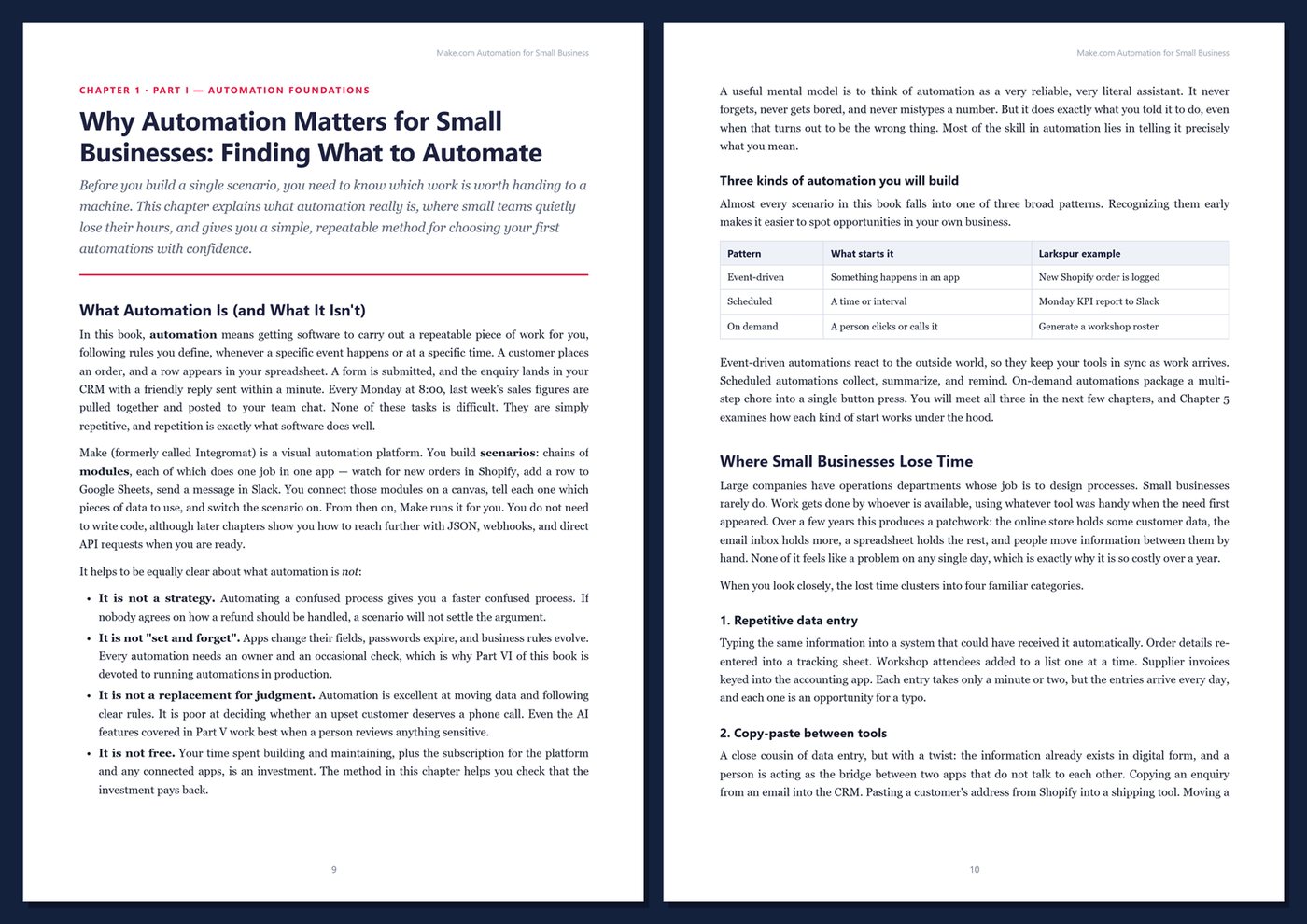
- A simple method to find and prioritize what's worth automating
- Make explained clearly: scenarios, bundles, mapping, webhooks, scheduling, filters, routers, and functions
- Lists, data stores, and the HTTP module — connect almost any app
- Complete automations for leads, orders, support email, email marketing, bookings, and workshops
- Back-office automations for invoices and payments, inventory, documents, approvals, and KPI reports
- Add AI safely: email triage, summaries, and drafts with human approval — plus what AI agents are good for
- Error handling, design patterns, usage and cost control, security, privacy, and maintenance
- One realistic running example — a small home-decor boutique — and a complete end-to-end case study
Table Of Contents
Part I — Automation Foundations
- Ch 1 · Why Automation Matters for Small Businesses: Finding What to Automate
- Ch 2 · Getting Started with Make: Accounts, Organizations, Teams, and Plans
- Ch 3 · Your First Scenario: Triggers, Modules, and Running It
- Ch 4 · How Make Thinks: Bundles, Operations, Data Flow, and Mapping
- Ch 5 · Starting Scenarios: Connections, Webhooks, Polling, and Scheduling
Part II — Core Building Blocks
- Ch 6 · Filters and Routers: Adding Decisions to Your Scenarios
- Ch 7 · Working with Data: Functions for Text, Numbers, Dates, and Arrays
- Ch 8 · Iterators, Aggregators, and Handling Lists
- Ch 9 · Data Stores, Data Structures, and Variables
- Ch 10 · The HTTP Module, APIs, and JSON: Connecting Almost Anything
Part III — Automations for Sales and Customers
- Ch 11 · Lead Capture: From Forms to CRM to Follow-Up
- Ch 12 · E-commerce Order Automation: Orders, Customers, and Fulfillment
- Ch 13 · Customer Support and Communication: Email, Chat, and Ticket Routing
- Ch 14 · Email Marketing and Customer Lists: Syncing, Segmenting, and Staying Compliant
- Ch 15 · Appointments and Bookings: Calendars, Reminders, and Workshop Sign-Ups
Part IV — Automations for Operations and Finance
- Ch 16 · Invoicing and Payments: Stripe, Accounting Apps, and Payment Follow-Ups
- Ch 17 · Inventory, Suppliers, and Purchase Orders
- Ch 18 · Documents and Files: Generating PDFs, Contracts, and Organizing Drive
- Ch 19 · Team Productivity: Tasks, Approvals, and Internal Notifications
- Ch 20 · Reporting and Dashboards: Pulling KPIs from Many Tools into One Place
Part V — AI and Advanced Techniques
- Ch 21 · Adding AI to Scenarios: Classifying, Summarizing, and Drafting with LLM Modules
- Ch 22 · AI Agents and Assistants in Make: What They Are and When to Use Them
- Ch 23 · Error Handling and Reliability: Error Handlers, Retries, and Incomplete Executions
- Ch 24 · Scenario Design Patterns: Modular Scenarios, Webhook Responses, and Avoiding Duplicates
- Ch 25 · Usage, Performance, and Cost Control
Part VI — Running Automations in Production
- Ch 26 · Security, Privacy, and Compliance for Small-Business Automations
- Ch 27 · Documenting, Monitoring, and Maintaining Your Automations
- Ch 28 · Case Study: Automating Larkspur Home End to End
Appendices
- App A · Make Cheat Sheet
- App B · Scenario Templates and Function Reference
- App C · Automation Launch Checklist
- App D · Glossary
WHO IT IS FOR
Small-business owners and managers, operations, marketing, and support staff who have been asked to "automate things," freelancers who build automations for clients, and anyone new to no-code automation. No programming experience needed.
FORMAT
PDF (A4), 404 pages, English, clickable table of contents and PDF bookmarks. 1st Edition, 2026. Published by thenexbooks.
This book is independent and is not affiliated with or endorsed by Make or Celonis. Make's features, plans, and pricing change over time — always check your own plan.
Book details
| Detail | |
|---|---|
| Pages | 404 |
| Format | PDF (A4) |
| Language | English |
| Level | Beginner to Intermediate |
| Edition | 1st Edition, 2026 |
| Download on this site | Free sample, first 20 pages (PDF) |
| Publisher | thenexbooks |
Files you get
No reviews yet. Only buyers can review.
More from thenexbooks