 1 / 11
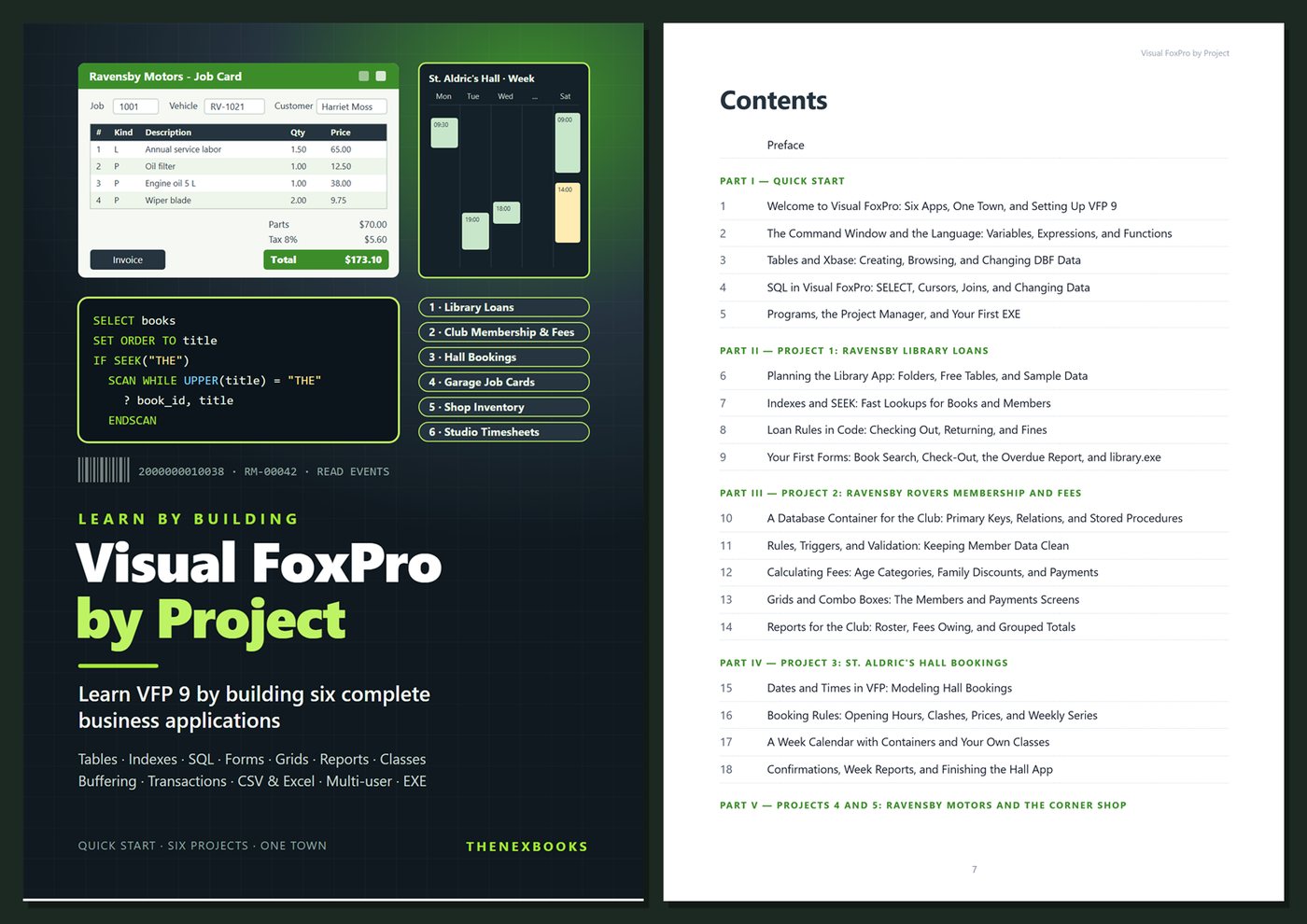
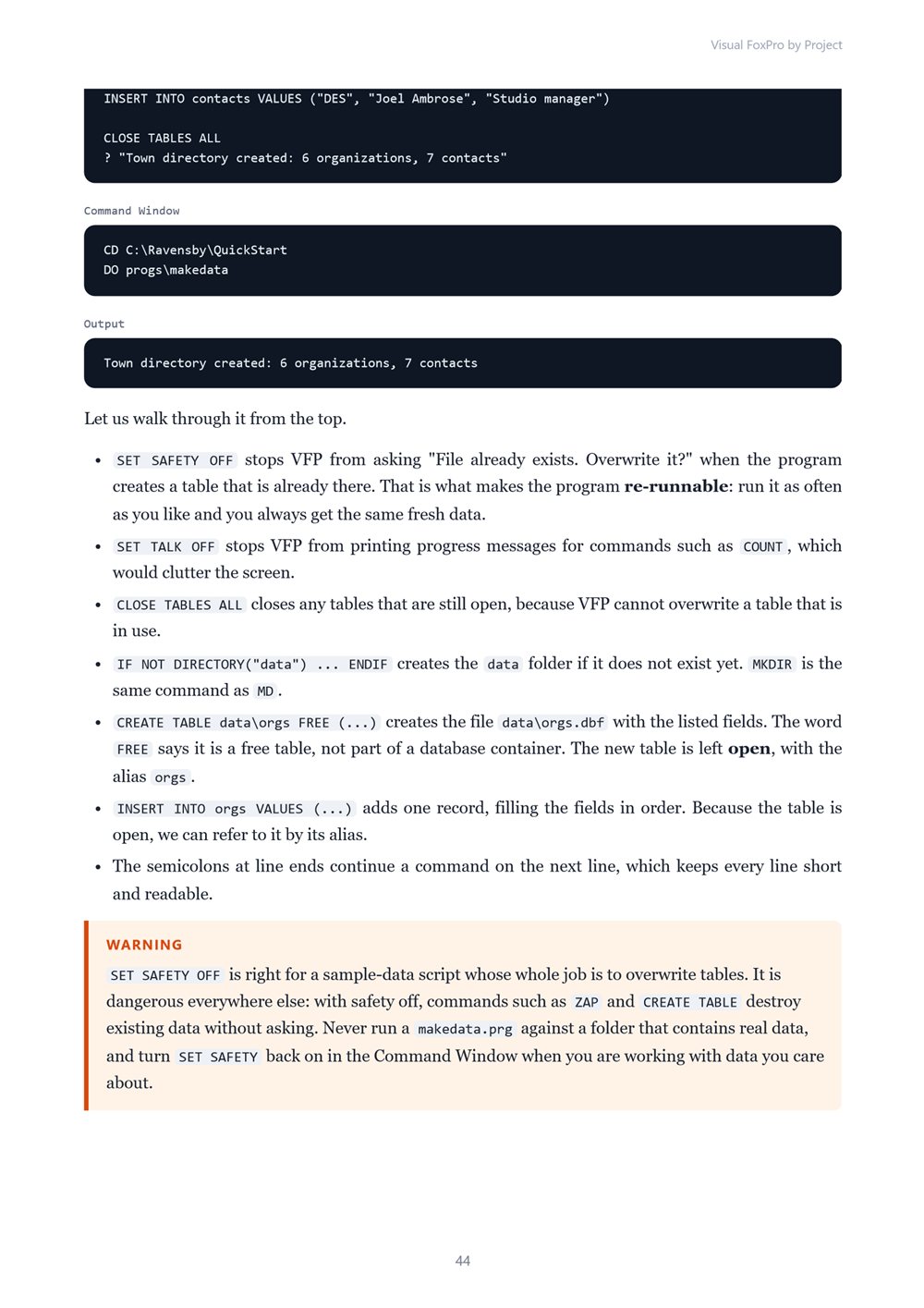
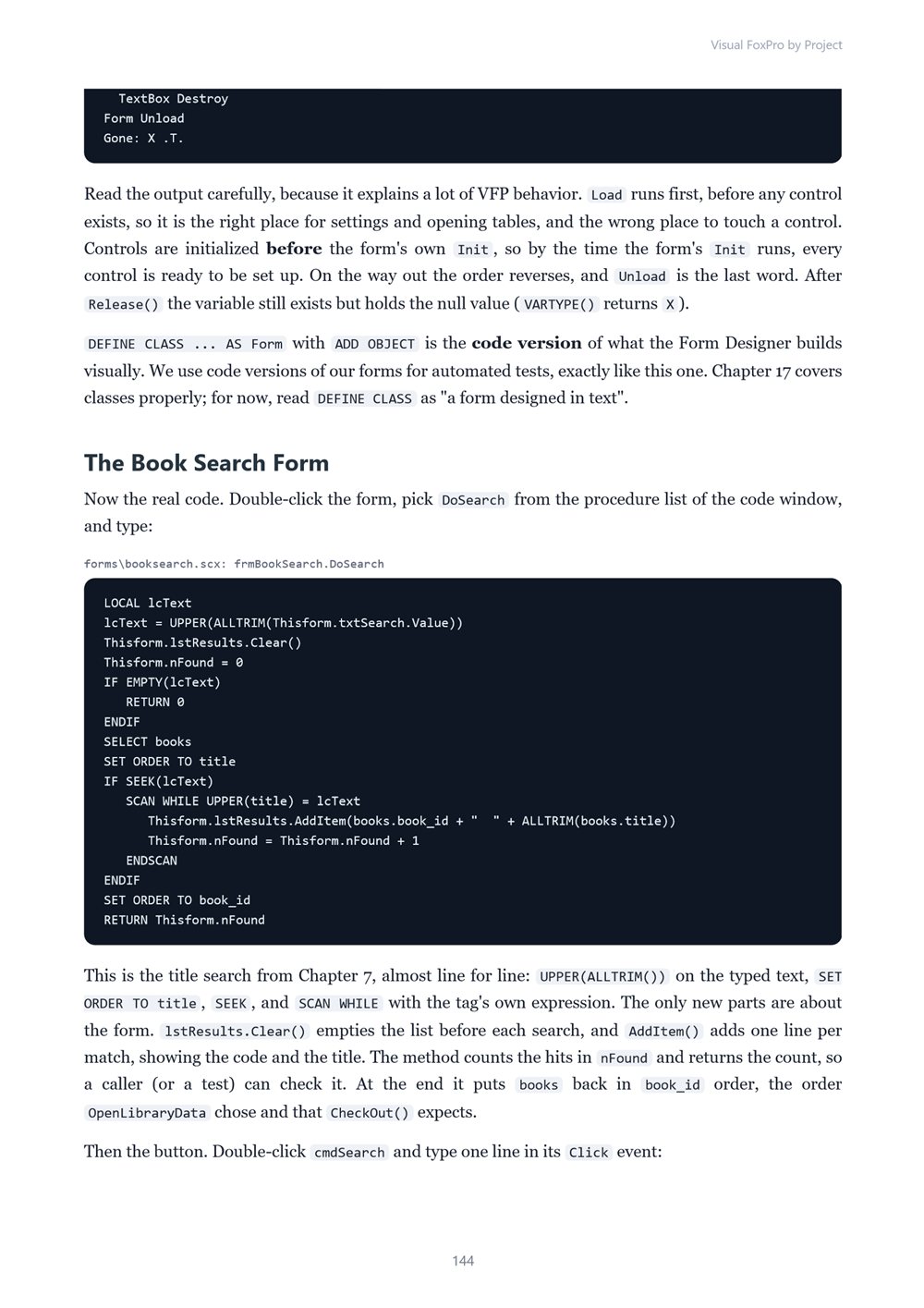
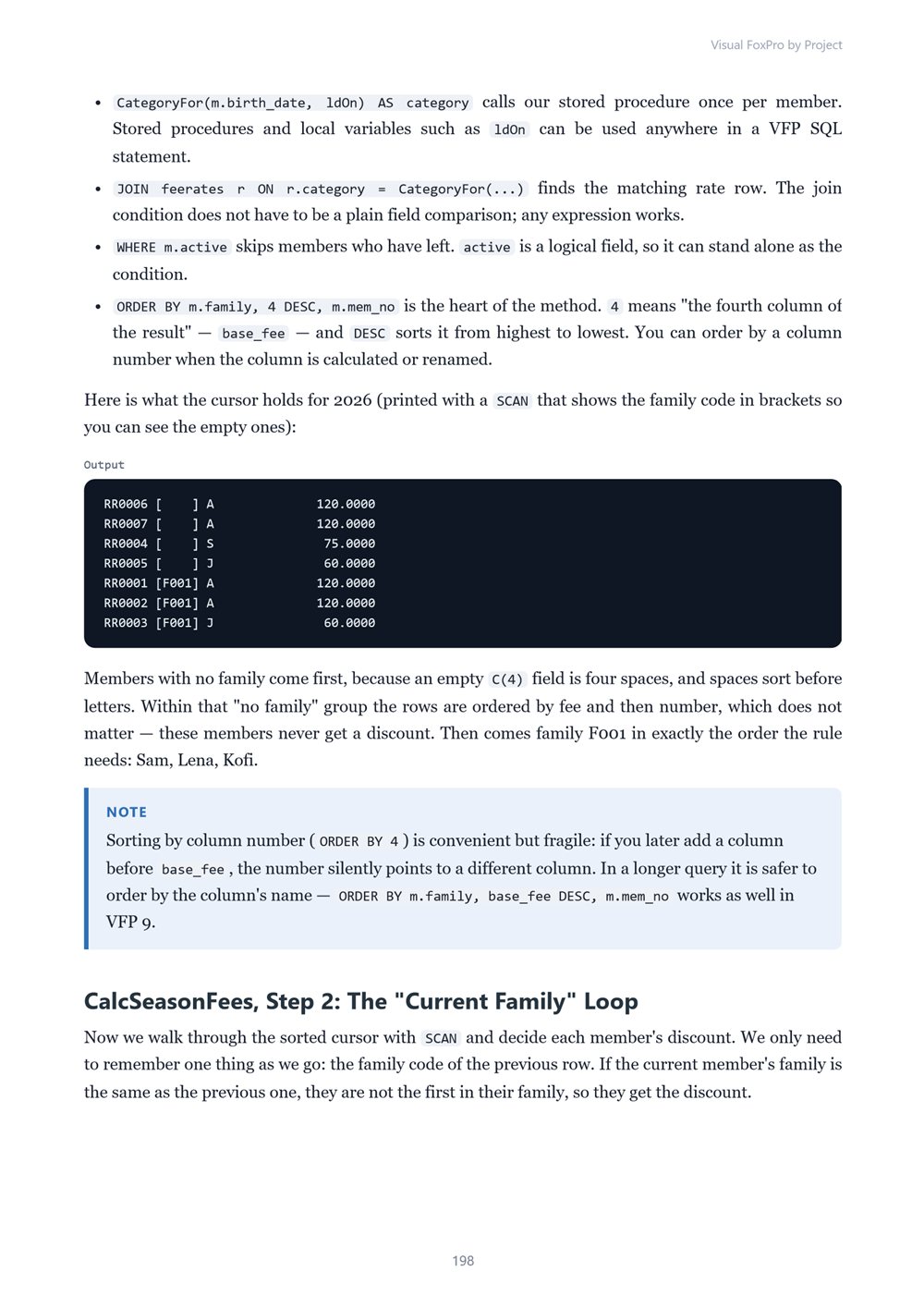
Learn Visual FoxPro 9 by building six complete business applications, each from an empty folder to a working EXE: a library loans tracker, a sports club membership and fees system, a hall booking calendar, a garage job-card and invoicing app, a corner-shop inventory with barcode lookups and…
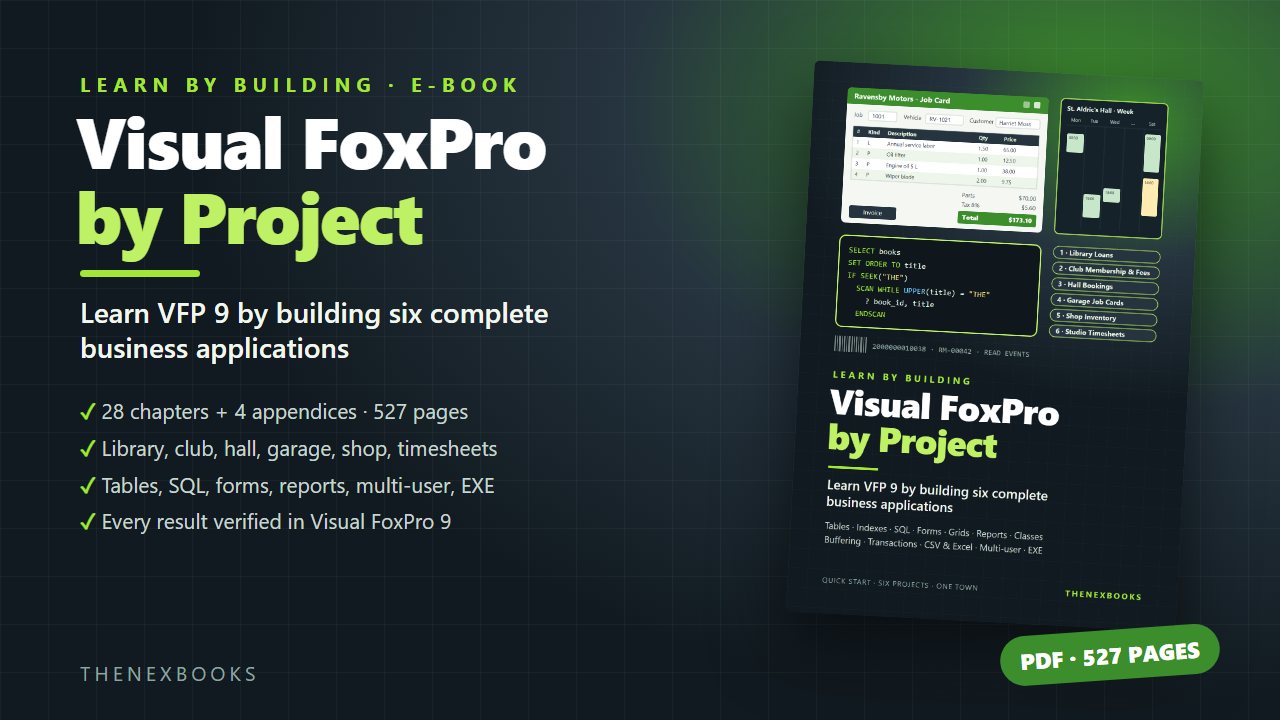
Learn VFP 9 by Building Six Complete Business Applications
Read before you buy: the PDF here is a free sample — the first 20 pages of the 527-page book (payments, sales and reviews on this demo site are sample data). Get the full e-book at thenexbooks on Gumroad.
The fastest way to learn Visual FoxPro is to build real applications with it. This book has you build six.
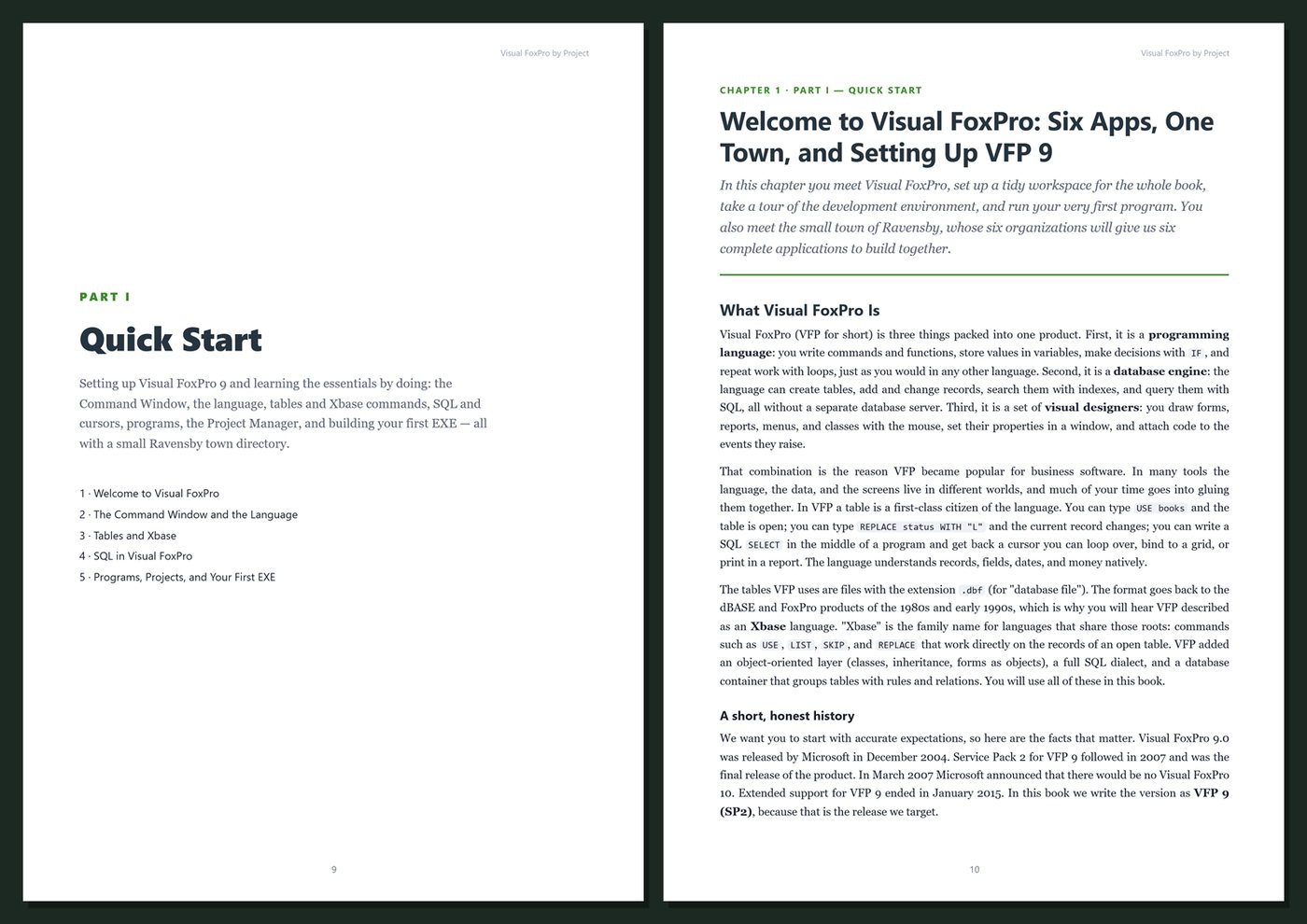
Visual FoxPro combines a programming language, a fast database engine, and visual designers for forms, reports, menus, and classes in one environment. It rewards learning by doing — so after a short quick start, every Part of this book builds complete, small business applications step by step, and each project introduces new skills at the moment you need them.
You start with the essentials: the Command Window, the language, tables and Xbase commands, SQL, programs, the Project Manager, and your first EXE. Then you build, test, and ship one application after another, each a little bigger than the last, until you finish with a shared, multi-user system with an application shell, menus, conflict handling, error logging, and a deployment and update plan.
What's inside
- A beginner-friendly quick start: the VFP 9 IDE, the Command Window, variables, expressions, functions, dates, and arrays
- Tables and Xbase commands — USE, SCAN, LOCATE, REPLACE, APPEND, DELETE — plus SELECT-SQL, cursors, joins, grouping, and changing data with SQL
- Programs, procedure files, the Project Manager, the Debugger, and building EXEs
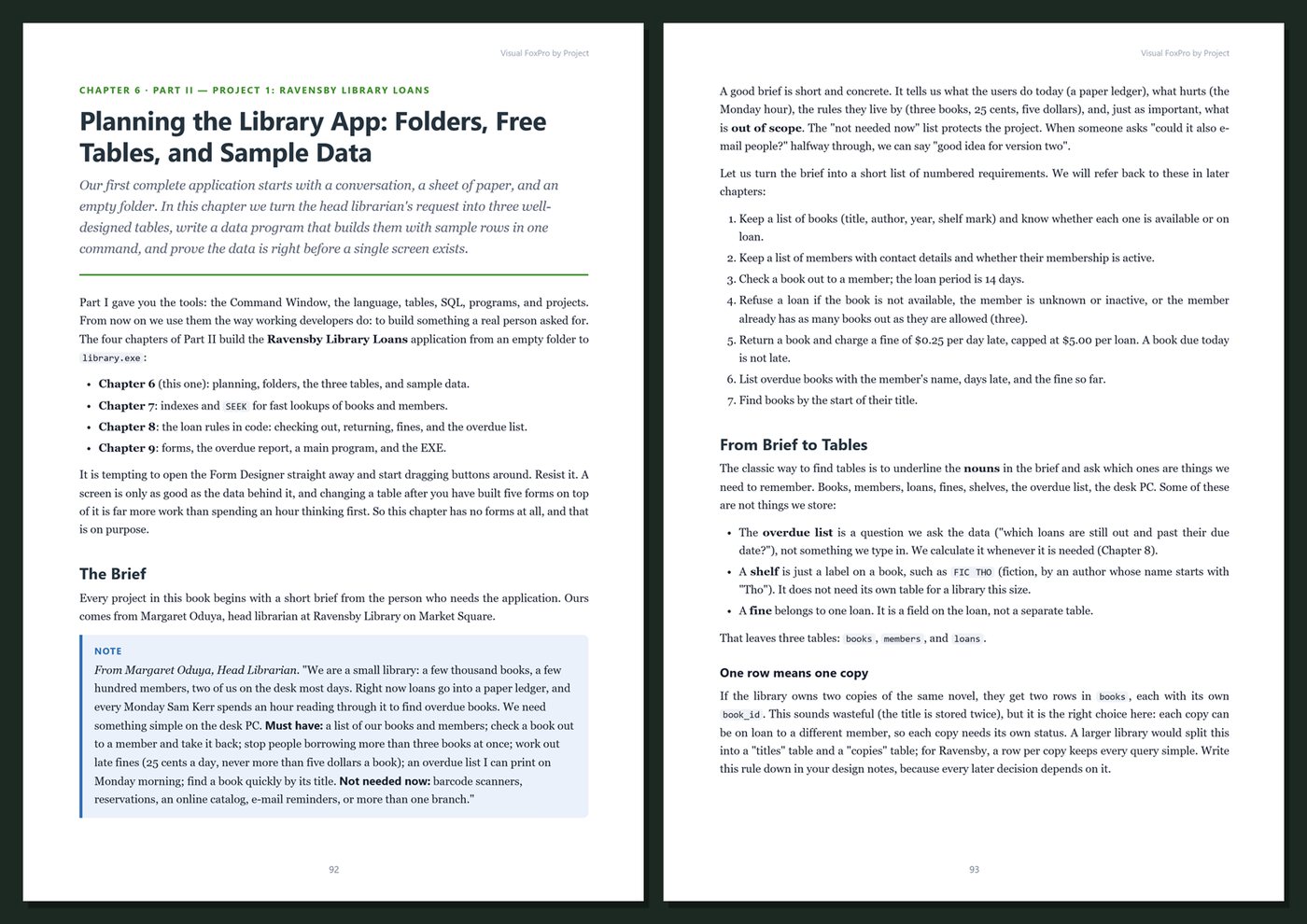
- Project 1, a library loans tracker: free tables, indexes, SEEK, loan rules and fines in code, first forms, an overdue report
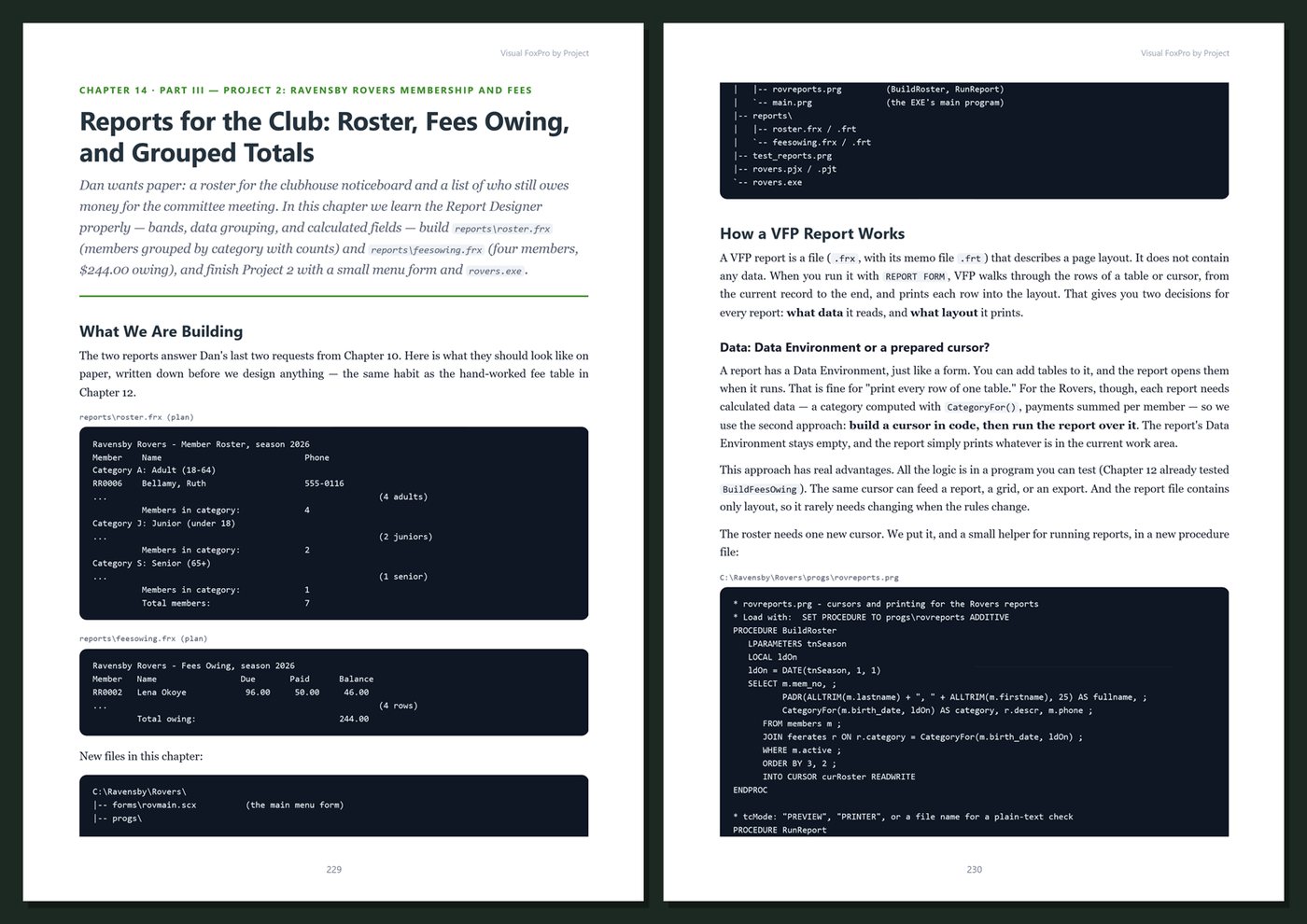
- Project 2, a sports club membership and fees system: a database container, primary keys and relations, field and record rules, triggers, stored procedures, age categories, family discounts, grids, combo boxes, and grouped reports
- Project 3, a hall booking calendar: dates and datetimes, opening hours, clash detection, weekly series, a week calendar built from your own container classes, and text-merge confirmations
- Project 4, a garage job-card and invoicing app: a business object, buffering, transactions, a master-detail form with a private data session, and an invoice report
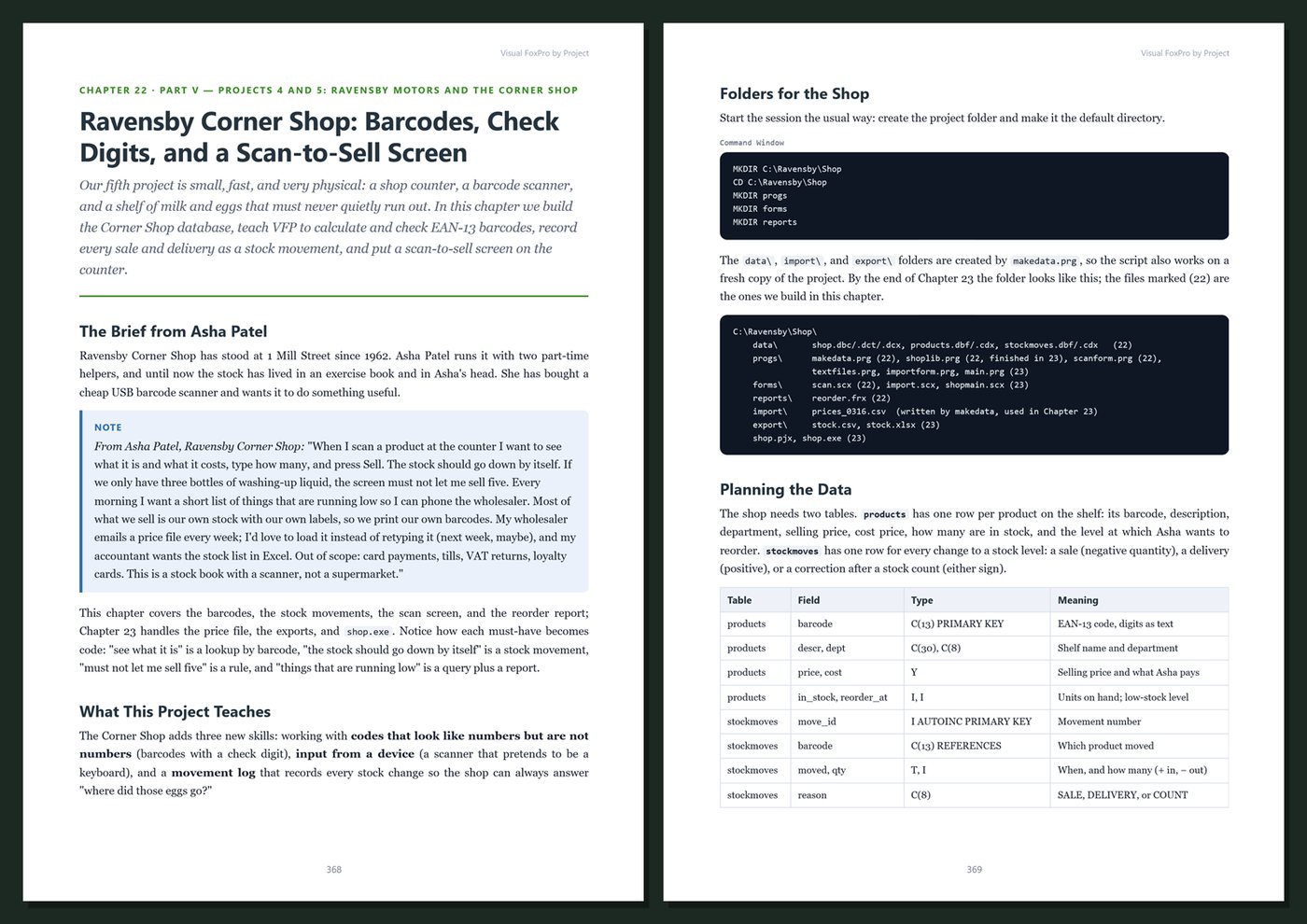
- Project 5, a shop inventory: EAN-13 barcodes and check digits, scan-to-sell with a keyboard-wedge scanner, stock movements, CSV import and export, and Excel automation
- Project 6, a multi-user timesheet system: shared data, configuration, an application object, main.prg, menus, READ EVENTS, base classes, locking, optimistic buffering, update conflicts, error handling and logging, building, deploying runtime files, and updating installed copies
- Practice exercises and a Key Takeaways box in every chapter
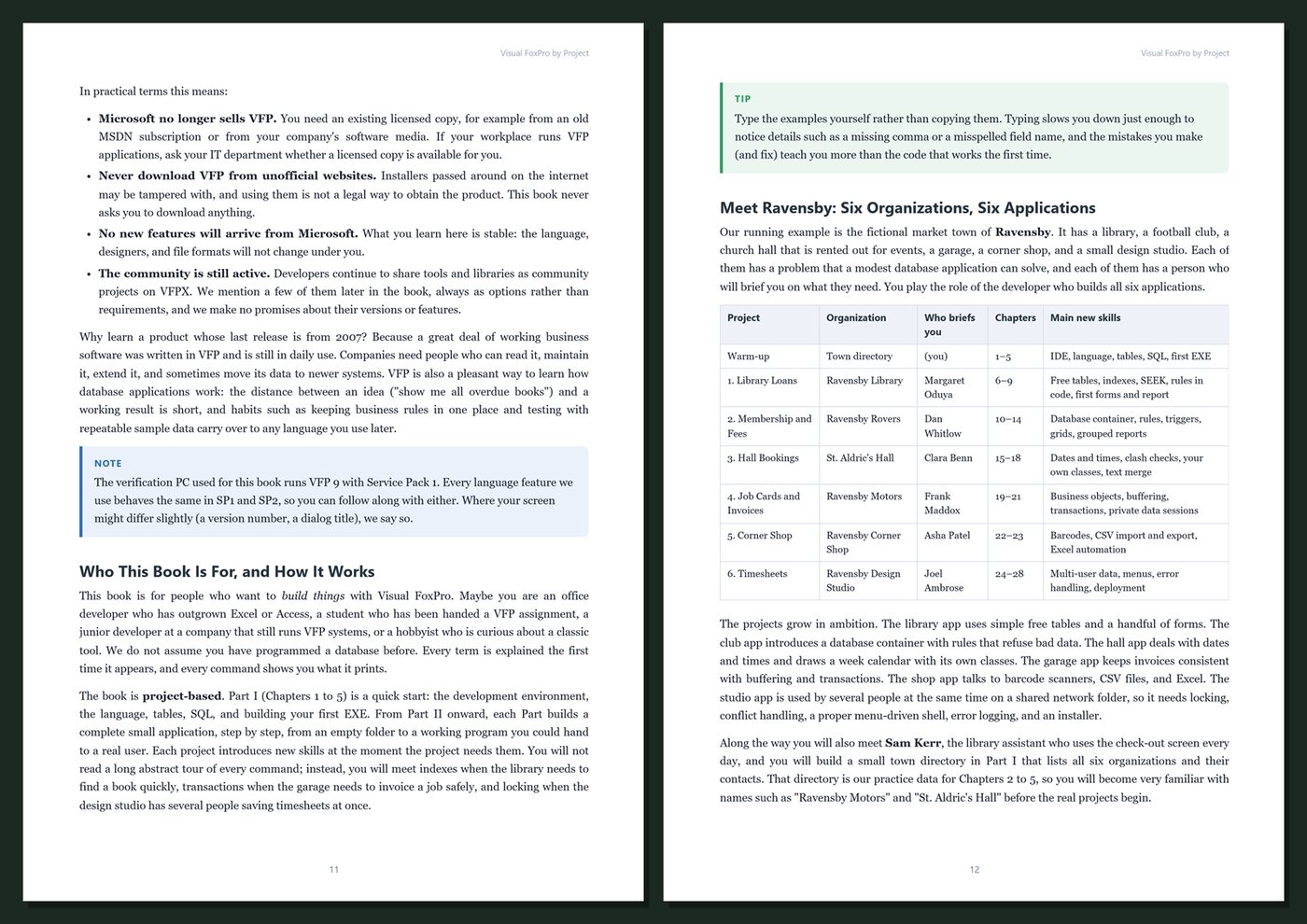
One town, six projects. Every project serves an organization in the fictional town of Ravensby: the town library, the Ravensby Rovers sports club, St. Aldric's Hall, Ravensby Motors, the Ravensby Corner Shop, and the Ravensby Design Studio. Each project opens with a short brief from the person who needs it, starts in its own empty folder, and ends as a working EXE. The sample data is small enough to check by hand, and the reference solutions behind the book were run in Visual FoxPro 9 — the fines, fees, booking prices, invoice totals, stock values, and timesheet totals you see are real results.
Current and honest. The book targets Visual FoxPro 9.0 SP2, the final release of the product. It says plainly that Microsoft's extended support ended in January 2015 and that you need your own licensed copy, mentions community add-ons only as options, and contains no invented benchmarks or statistics. Every chapter includes step-by-step instructions, complete code, real output, Tips, Notes, Warnings, Practice exercises, and Key Takeaways, and the appendices give you a cheat sheet, project templates and reference tables, a release and deployment checklist, and a glossary.
Format: PDF, 527 pages (A4), linked table of contents and bookmarks. English. First Edition, 2026. Published by thenexbooks. Requires your own licensed copy of Visual FoxPro 9 on Windows. This book is independent and is not affiliated with, sponsored by, or endorsed by Microsoft Corporation.
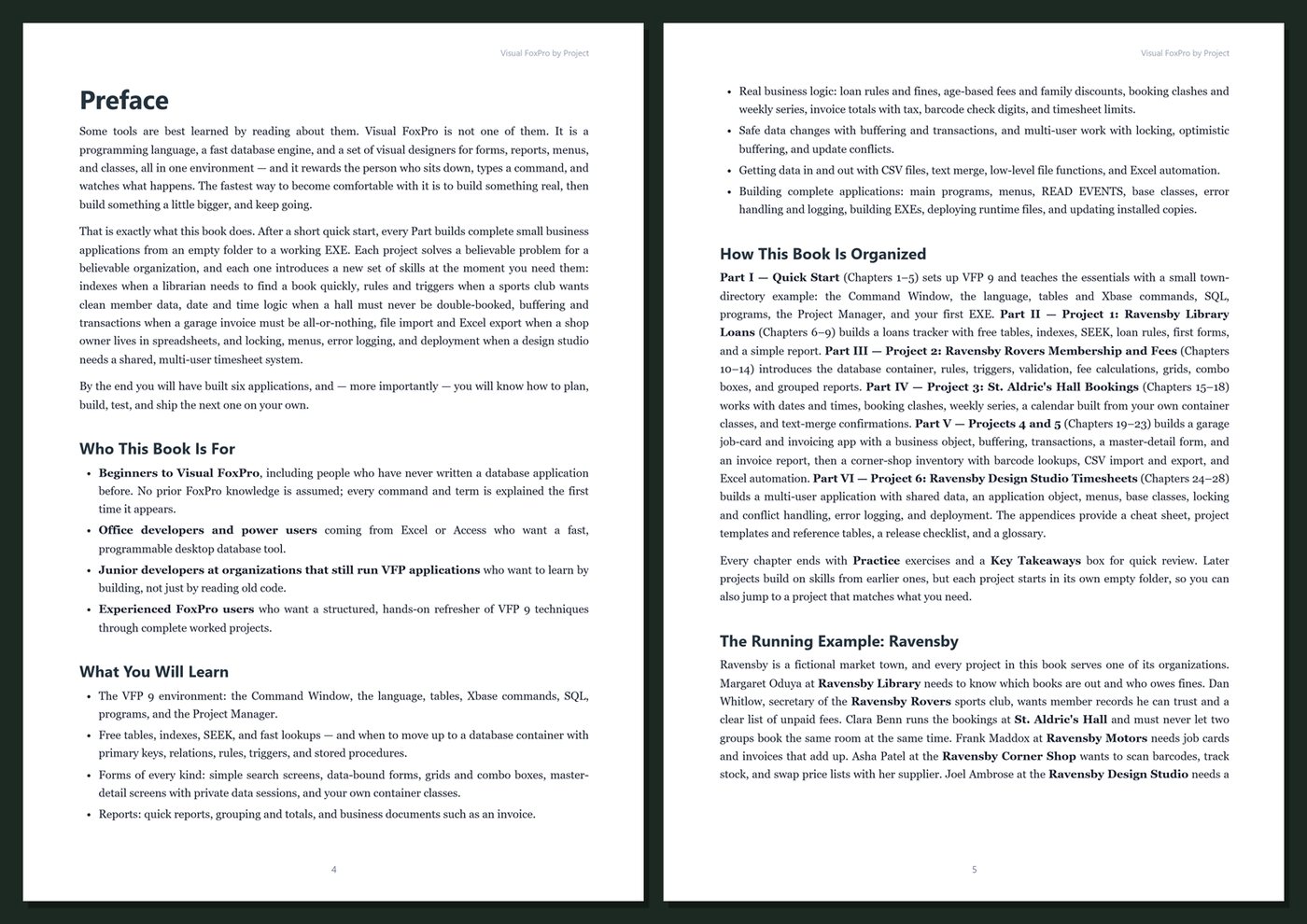
Table of Contents
Part I — Quick Start
- Ch 1 · Welcome to Visual FoxPro: Six Apps, One Town, and Setting Up VFP 9
- Ch 2 · The Command Window and the Language: Variables, Expressions, and Functions
- Ch 3 · Tables and Xbase: Creating, Browsing, and Changing DBF Data
- Ch 4 · SQL in Visual FoxPro: SELECT, Cursors, Joins, and Changing Data
- Ch 5 · Programs, the Project Manager, and Your First EXE
Part II — Project 1: Ravensby Library Loans
- Ch 6 · Planning the Library App: Folders, Free Tables, and Sample Data
- Ch 7 · Indexes and SEEK: Fast Lookups for Books and Members
- Ch 8 · Loan Rules in Code: Checking Out, Returning, and Fines
- Ch 9 · Your First Forms: Book Search, Check-Out, the Overdue Report, and library.exe
Part III — Project 2: Ravensby Rovers Membership and Fees
- Ch 10 · A Database Container for the Club: Primary Keys, Relations, and Stored Procedures
- Ch 11 · Rules, Triggers, and Validation: Keeping Member Data Clean
- Ch 12 · Calculating Fees: Age Categories, Family Discounts, and Payments
- Ch 13 · Grids and Combo Boxes: The Members and Payments Screens
- Ch 14 · Reports for the Club: Roster, Fees Owing, and Grouped Totals
Part IV — Project 3: St. Aldric's Hall Bookings
- Ch 15 · Dates and Times in VFP: Modeling Hall Bookings
- Ch 16 · Booking Rules: Opening Hours, Clashes, Prices, and Weekly Series
- Ch 17 · A Week Calendar with Containers and Your Own Classes
- Ch 18 · Confirmations, Week Reports, and Finishing the Hall App
Part V — Projects 4 and 5: Ravensby Motors and the Corner Shop
- Ch 19 · Ravensby Motors: Job Cards, a Business Object, and Invoice Totals
- Ch 20 · Buffering and Transactions: Invoicing a Job Safely
- Ch 21 · The Job Card Form: Master-Detail Screens, Private Data Sessions, and the Invoice Report
- Ch 22 · Ravensby Corner Shop: Barcodes, Check Digits, and a Scan-to-Sell Screen
- Ch 23 · Data In and Out: CSV Import and Export, and Excel Automation
Part VI — Project 6: Ravensby Design Studio Timesheets
- Ch 24 · Planning a Multi-User App: Shared Data, Rules, and the Application Object
- Ch 25 · The Application Shell: main.prg, Menus, READ EVENTS, and Base Classes
- Ch 26 · Many Users, One Database: Locking, Optimistic Buffering, and Update Conflicts
- Ch 27 · When Things Go Wrong: Error Handling, Logging, and Debugging
- Ch 28 · Building, Deploying, and Updating the Timesheet App — and Where to Go Next
Appendices
A · VFP 9 Cheat Sheet
B · Project Templates and Reference
C · Release and Deployment Checklist
D · Glossary
Book details
| Detail | |
|---|---|
| Pages | 527 |
| Format | PDF (A4) |
| Language | English |
| Level | Beginner to Intermediate |
| Edition | 1st Edition (2026) |
| Download on this site | Free sample, first 20 pages (PDF) |
| Publisher | thenexbooks |
Files you get
No reviews yet. Only buyers can review.
More from thenexbooks